Flask App Routing
Routing
In order to help clients, modern web apps use URLs. Usually One like a website and revisit it if the page uses a easy URL that they can remember and use these URLs to access a webpage directly.
Routing is the way of assigning URL to function that contains view logic. We can route URL by using decorator. A decorator is, whenever you have a function, and you see an @ symbol at the starting and the something like (app.route('/')) after it. This "@app.route('/')" is the decorator . It basically a way that you can wrap up an existing Python Function and can modify its behavior in some way that is as per user requirement .
With flask we use app routing to route or map URL to return a value. We can say that in routing we are doing a complex terminology out of the way is we are connecting a URL to the return value of a function. So, whenever a user requests this URL the response from the server is going to be whatever this return value is right there in its definition.
To bind a function to a URL, One use the route(), decorator function.
For example, the URL (‘/’) is associate with the home function that returns a particular string displayed on the webpage in the browser
In other words, we can say that if a user visits the particular URL mapped to some specific function, the output of that function is displayed on the browser's screen.
Example
fromflaskimportFlask
app=Flask(__name__)
@app.route('/home')
defhome():
return"hello,welcometoourwebsite";
if__name__=="__main__":
app.run(debug=True)
Example
fromflaskimportFlask
app=Flask(__name__)
@app.route('/home/')
defhome(name):
return"hello,"+name;
if__name__=="__main__":
app.run(debug=True)
Let’s run this code using the commands that we already discussed previously.
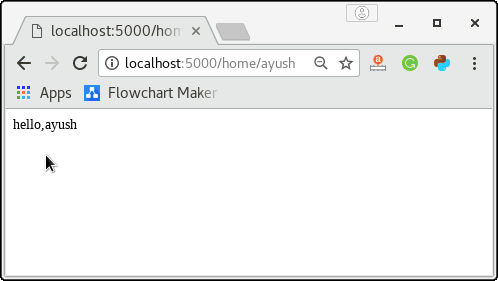
We can make the dynamic parts of the URL and attach multiple sets of rules to a function.
The converter can also be used in the URL to assign the specific variable to the specific data type. For example, we can assign the integers or the float, respectively, like age or salary.
For example
fromflaskimportFlask
app=Flask(__name__)
@app.route('/home/')
defhome(age):
return"Age=%d"%age;
if__name__=="__main__":
app.run(debug=True)
The given converters are used to convert the default string type to the corresponding data type.
- string: default
- int: used to convert the string to the integer
- float: used to convert the string to the float.
- path: It can accept the slashes given in the URL.
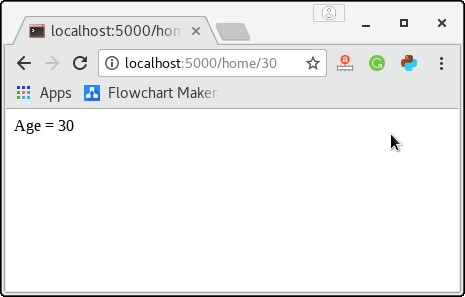
The output of this code is given below:-
The add_url_rule() function
There is another approach to route the globe web application that can be done using the function add_url() of the Flask class. The syntax for using this function is shown below.
add_url_rule(<url rule>, <endpoint>, <view function>)
This function is mainly used when the display function is not specified, and we must connect a display function to an endpoint externally using this function.
fromflaskimportFlask
app=Flask(__name__)
defabout():
return"Thisisaboutpage";
app.add_url_rule("/about","about",about)
if__name__=="__main__":
app.run(debug=True)
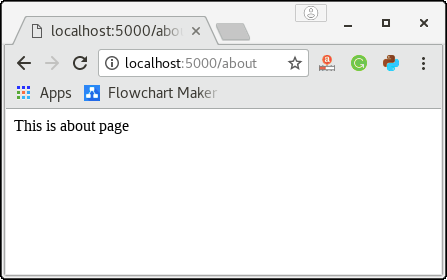
Output