Excel VBA Array
Introduction to VBA Array
An array is a type of variable that holds more than one piece of data. In VBA, you can refer to a specific variable (element) of an array by using the array name and the index number. For example, to store daily reports for each day of the year, you can declare one array variable consisting of 365 elements, rather than declaring 365 variables. Each element in an array contains one value. The specification of arrays are as follows:
- An array index starts from ZERO, so if an array size is specified as 6, it can hold seven values in it.
- Array Index cannot be declared with a negative number.
- VBA Arrays can store any kind of variable in it. Hence, an array can store an integer, string, or characters in a single array variable.
In the below sections, we will briefly discuss the following arrays:
- One Dimensional Array
- Two dimensional Array
- Dynamic Array
One Dimensional Array
In one-dimensional arrays only one number designates the location of an element of the array. Such an array is like a single row of data, but because there can be only one row. The values are assigned to a one-dimensional array by specifying an array index against each value to be assigned.
Declaration of Array
Arrays are declared the same way a variable is declared except that the declaration of an array variable uses parenthesis. In the following example, the size of the array is mentioned in the brackets. You declare an array by adding parentheses after the array name and specifying the number of array elements in the parentheses. The following are the three ways of declaring an array:
'Method 1: Using Dim and Without Size
 Dim arr()
 'Method 2: Mentioning the Size
 Dim arr (size)  'Declared with size
 'Method 3: By using 'Array' function
 Dim arr
 arr = Array ("blue", "Orange", "red")
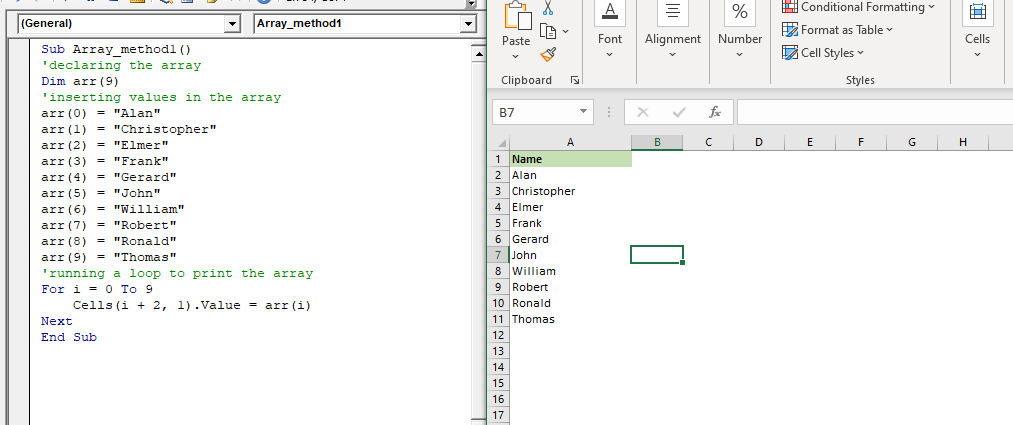
Example 1: > Write a macro to understand the working of a One-Dimensional Array and how to store the values in Array?
Sub Array_method1()
 'declaring the array
 Dim arr(9)
 'inserting values in the array
 arr(0) = "Alan"
 arr(1) = "Christopher"
 arr(2) = "Elmer"
 arr(3) = "Frank"
 arr(4) = "Gerard"
 arr(5) = "John"
 arr(6) = "William"
 arr(7) = "Robert"
 arr(8) = "Ronald"
 arr(9) = "Thomas"
 'running a loop to print the array
 For i = 0 To 9
     Cells(i + 2, 1).Value = arr(i)
 Next
 End Sub
Output
| Name |
| Alan |
| Christopher |
| Elmer |
| Frank |
| Gerard |
| John |
| William |
| Robert |
| Ronald |
| Thomas |
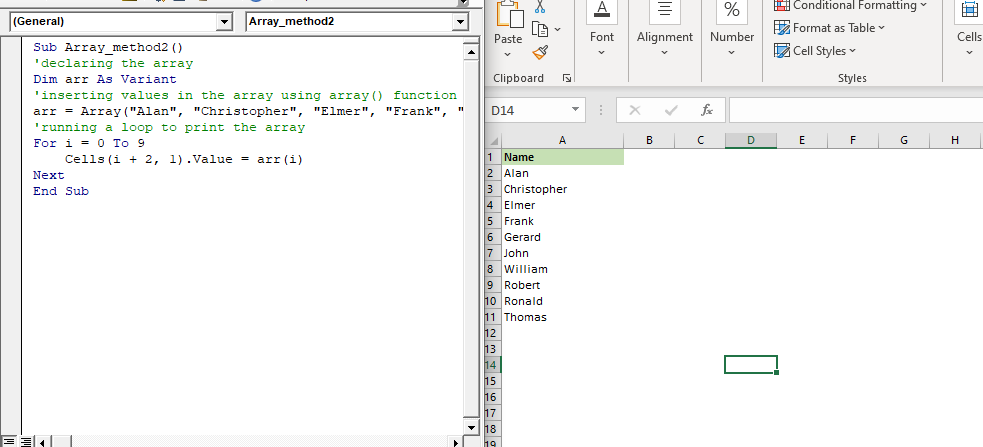
Example 2: Write a Macro using array function and print the names.
Sub Array_method2()
 'declaring the array
 Dim arr As Variant
 'inserting values in the array using array() function
 arr = Array("Alan", "Christopher", "Elmer", "Frank", "Gerard", "John", "William", "Robert", "Ronald", "Thomas")
 'running a loop to print the array
 For i = 0 To 9
     Cells(i + 2, 1).Value = arr(i)
 Next
 End Sub
Output
| Name |
| Alan |
| Christopher |
| Elmer |
| Frank |
| Gerard |
| John |
| William |
| Robert |
| Ronald |
| Thomas |
Two-Dimensional or Multidimensional Array
In some cases, a single dimension is not enough. This is where multidimensional arrays
come in. A one-dimensional array is a single row of data, a multidimensional array contains rows and columns. However, they can have a maximum of 60 dimensions. Two-dimensional arrays are the most used ones.
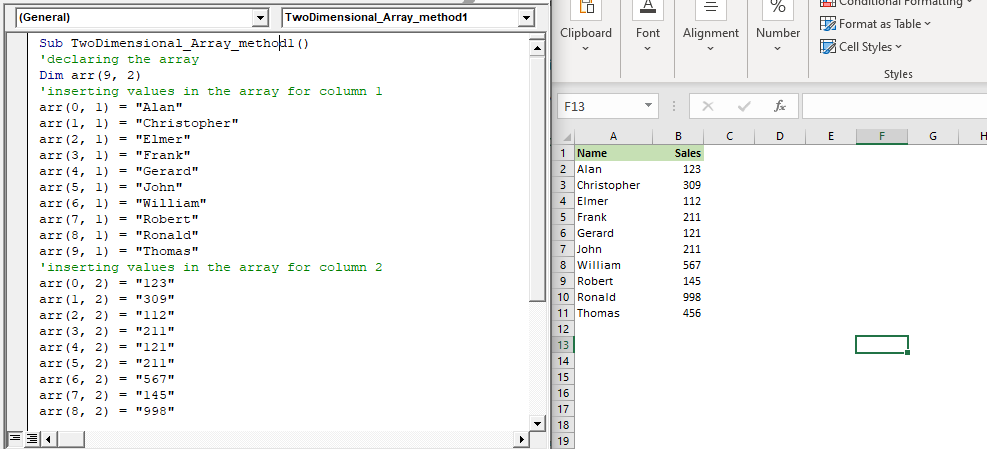
Example 1: Write a macro to print the name in column 1 and the sales figure in column 2 using a two-dimensional array.
Sub TwoDimensional_Array_method1()
 'declaring the array
 Dim arr(9, 2)
 'inserting values in the array for column 1
 arr(0, 1) = "Alan"
 arr(1, 1) = "Christopher"
 arr(2, 1) = "Elmer"
 arr(3, 1) = "Frank"
 arr(4, 1) = "Gerard"
 arr(5, 1) = "John"
 arr(6, 1) = "William"
 arr(7, 1) = "Robert"
 arr(8, 1) = "Ronald"
 arr(9, 1) = "Thomas"
 'inserting values in the array for column 2
 arr(0, 2) = "123"
 arr(1, 2) = "309"
 arr(2, 2) = "112"
 arr(3, 2) = "211"
 arr(4, 2) = "121"
 arr(5, 2) = "211"
 arr(6, 2) = "567"
 arr(7, 2) = "145"
 arr(8, 2) = "998"
 arr(9, 2) = "456"
 'running a loop to print the two dimensional array
 For i = 0 To 9
     For j = 1 To 2
         Cells(i + 2, j).Value = arr(i, j)
     Next
 Next
 End Sub
Output
| Name | Sales |
| Alan | 123 |
| Christopher | 309 |
| Elmer | 112 |
| Frank | 211 |
| Gerard | 121 |
| John | 211 |
| William | 567 |
| Robert | 145 |
| Ronald | 998 |
| Thomas | 456 |
Example 2: Write a macro, wherein take the input from the user, store it in an array and finally print it.
Sub TwoDimensional_Array_method1()
 'declaring the array
 Dim arr(5, 2)
 For i = 0 To 5
     IB = InputBox("Enter your name")
     IB_sales = InputBox("Hey " + IB + "! Enter your sales amount")
     arr(i, 1) = IB
     arr(i, 2) = IB_sales
 Next
 'running a loop to print the two dimensional array
 For i = 0 To 5
     For j = 1 To 2
         Cells(i + 2, j).Value = arr(i, j)
     Next
 Next
 End Sub
Output
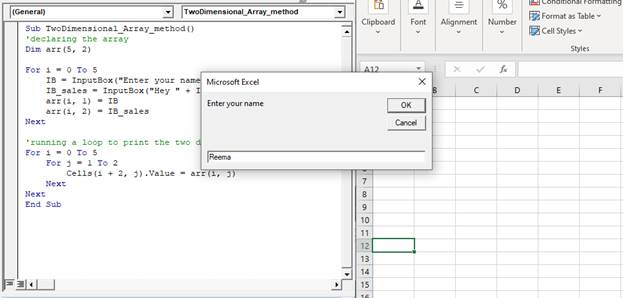
Enter your name
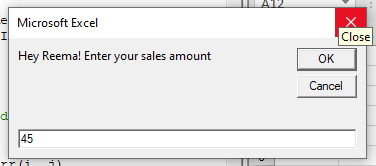
Enter your sales figure
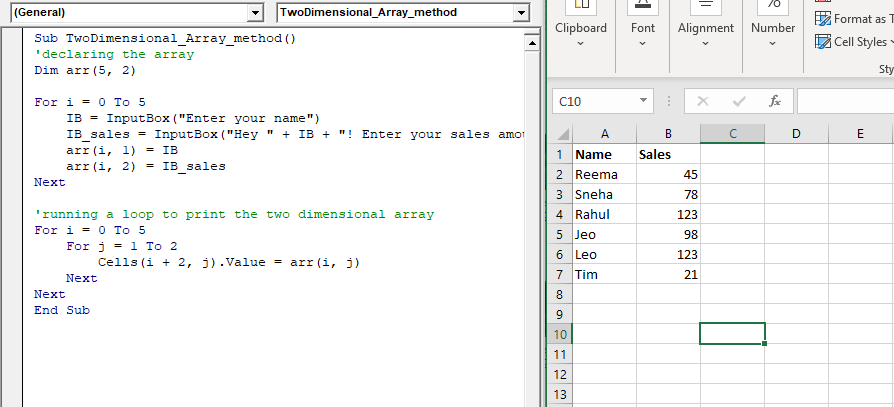
Similarly, answer all the input boxes. You will see notice the data has been inserted in the excel sheet.
Dynamic Array
A dynamic array is an array that does not have a set size. You can declare the dynamic array but
must leave the parentheses empty, as shown below:
Dim myArray()
ReDim keyword is used if the developer wants to set the size of the array. It is used to declare a dynamic array and allocate or reallocate storage space. Using ReDim, the developer can reinitialize the array.
But, if you use ReDim too many times, such as in a loop, you lose all the data it holds. To prevent the data from losing, the Preserve keyword is used. This keyword enables you to resize the last array dimension, but you cannot use it to change the number of dimensions.
Syntax
ReDim [Preserve] varname(subscripts) [,varname(subscripts)]
Parameters
Preserve (optional)- This parameter is used to preserve the elements of the data in an existing array when you change the size of the last dimension.
Varname (required)- This parameter represents the name of the variable (it should follow the standard variable naming conventions).
Subscripts (requited)- It represents the size of the array.
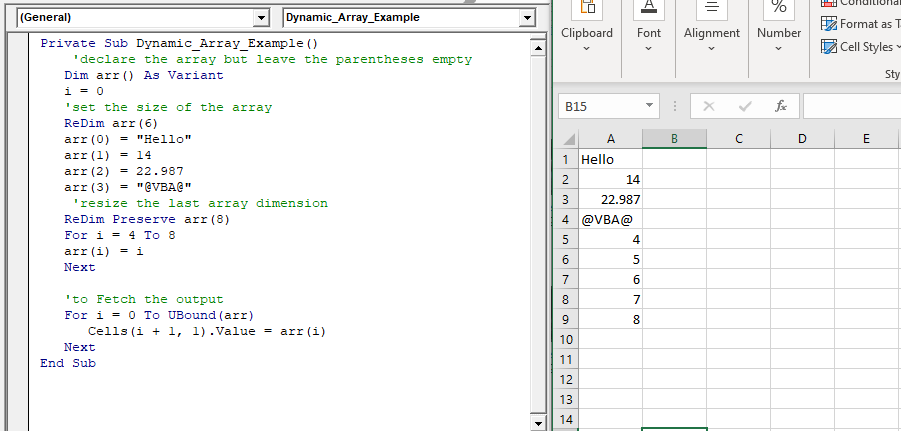
Example 1: Write a macro to demonstrate the example of Dynamic array and explain the concept of Dim, ReDim and Preserve.
Private Sub Dynamic_Array_Example()
     'declare the array but leave the parentheses empty
    Dim arr() As Variant
    i = 0
    'set the size of the array
    ReDim arr(6)
    arr(0) = "Hello"
    arr(1) = 14
    arr(2) = 22.987
    arr(3) = "@VBA@"
     'resize the last array dimension
    ReDim Preserve arr(8)
    For i = 4 To 8
    arr(i) = i
    Next
    'to Fetch the output
    For i = 0 To UBound(arr)
       Cells(i + 1, 1).Value = arr(i)
    Next
 End Sub
Output
| Hello |
| 14 |
| 22.987 |
| @VBA@ |
| 4 |
| 5 |
| 6 |
| 7 |
| 8 |