Excel VBA Join Function
Excel VBA Join Function: The Join function in VBA is used to join an array of substrings and return them all as a single string.
Syntax
Join (SourceArray, [Delimiter])
Parameter
SourceArray (required) – This parameter represents an array of substrings that you want to join.
Delimiter (optional) – This parameter represents a delimiter used to separate the substrings while making up the new string. The default value is set to “ ”.
Return
This parameter returns a single string after joining the given array of substrings.
Example 1
Sub JoinFunction_Example1()
 ' Joining the strings of arrays together into a single Array.
 Dim fullName As String
 Dim names(0 To 2) As String
 names(0) = "Amar"
 names(1) = "Chandra"
 names(2) = "Panda"
 fullName = Join(names)
 ' The variable fullName will return "Amar Chandra Panda"
 MsgBox ("Your full name is " & fullName)
 End Sub
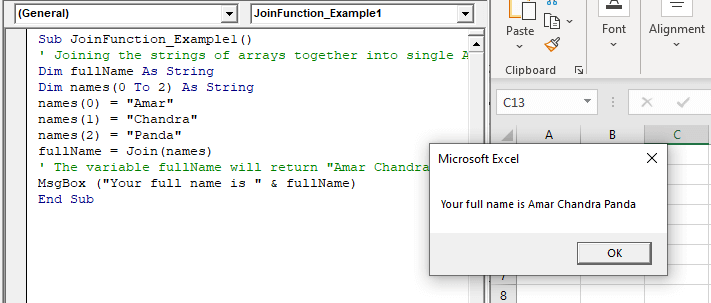
Output
Example 2
Sub JoinFunction_Example2()
 ' Joining the strings of arrays together into a single Array.
 Dim address As String
 Dim names(0 To 4) As String
 names(0) = "House No:823 "
 names(1) = "C-Block"
 names(2) = "Plot-2"
 names(3) = "Rajouri Garden"
 names(4) = "Delhi"
 address = Join(names, ", ")
 ' The variable fullName will return "House No:823, C-Block, Plot-2, Rajouri Garden, Delhi  "
 MsgBox ("Address:  " & address)
 End Sub
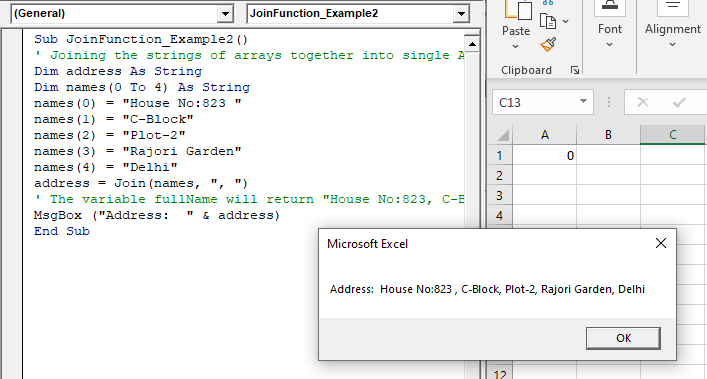
Output