
Excel VBA Array Function
VBA Array Function: The Array function in VBA generates an array containing the given set of values.
Syntax
Array (Arglist)
Parameter
Arglist (required) – This parameter the list of values that you want to make up the array wherein the values are separated by commas.
Return
This function returns an array containing the given set of values.
Example 1
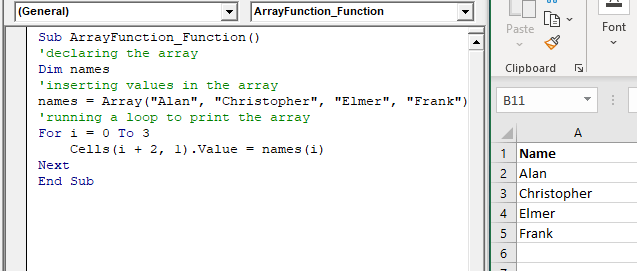
Sub ArrayFunction_Function1()
 'declaring the array
 Dim names
 'inserting values in the array
 names = Array("Alan", "Christopher", "Elmer", "Frank")
 'running a loop to print the array
 For i = 0 To 3
     Cells(i + 2, 1).Value = names(i)
 Next
 End Sub
Output
| Name |
| Alan |
| Christopher |
| Elmer |
| Frank |
Example 2
Sub ArrayFunction_Example2()
 'declaring the array variables
 Dim Index
 Dim names
 'inserting values in the array for column 1
 names = Array("Reema", "Varun", "Amar", "Shukla", "Pradeep", "Govind", "Shradha", "Sourav", "Kumar", "Twinkle")
 'inserting values in the array for column 2
 Index = Array("15023027", "16023014", "15023090", "15023012", "16023021", "16023087", "16023114", "16023123", "15023019", "15023456")
 'running a loop to print the Array
 For i = 0 To 9
     Cells(i + 2, 1).Value = names(i)
     Cells(i + 2, 2).Value = Index(i)
 NextR
 End Sub
Output
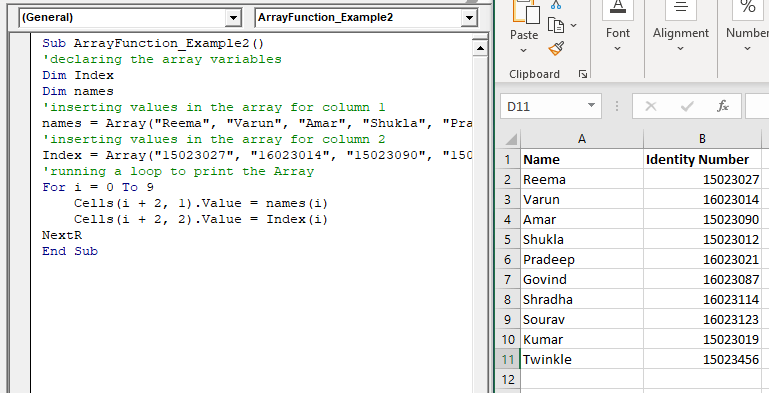
| Names | Identity Number |
| Reema | 15023027 |
| Varun | 16023014 |
| Amar | 15023090 |
| Shukla | 15023012 |
| Pradeep | 16023021 |
| Govind | 16023087 |
| Shradha | 16023114 |
| Sourav | 16023123 |
| Kumar | 15023019 |
| Twinkle | 15023456 |
Example 3
Sub ArrayFunction_Example3()
 'declaring the array
 Dim arry(5, 2)
 'running the loop to take data from user
 For i = 0 To 5
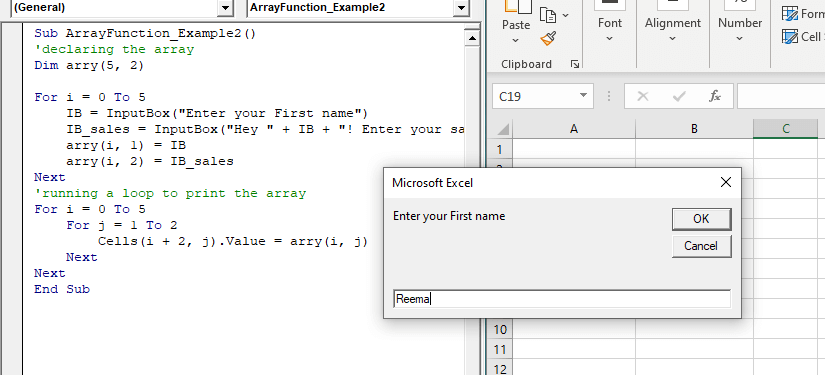
     IB = InputBox("Enter your First name")
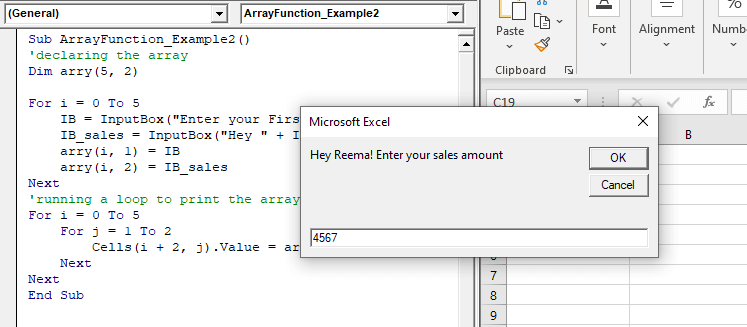
     IB_sales = InputBox("Hey " + IB + "! Enter your sales amount")
     arry(i, 1) = IB
     arry(i, 2) = IB_sales
 Next
 'running a loop to print the array
 For i = 0 To 5
     For j = 1 To 2
         Cells(i + 2, j).Value = arry(i, j)
     Next
 Next
 End Sub
Output
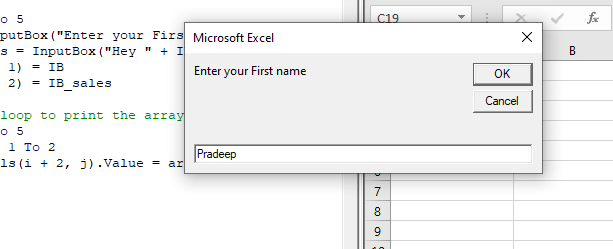
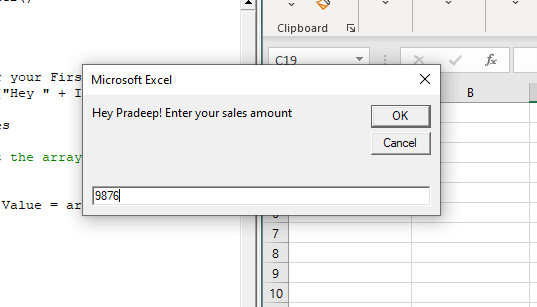
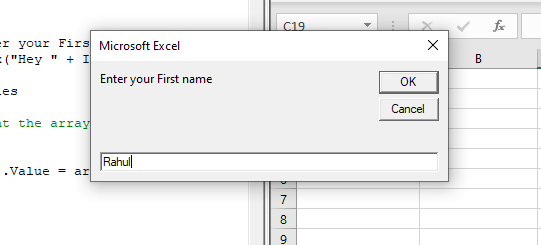
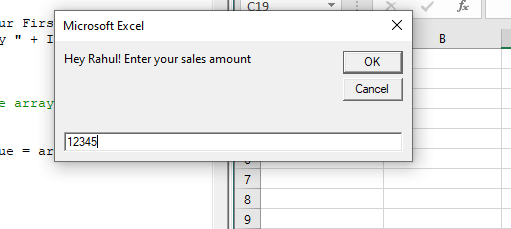
| Name | Sales Amount |
| Reema | 4567 |
| Pradeep | 9876 |
| Rahul | 12345 |
| Rita | 6789 |
| Sunita | 9876 |
| Sheena | 4356 |