
×

Ionic Checkbox

Ionic Checkbox

Ionic Checkbox is nearly the same as a toggle. It can be placed in an ionic element or used as a separate checkbox. It is designed differently for every platform, such as other ionic components. You can use the <ion-checkbox> attribute to set the default value and the disabled quality to prevent the user from changing the value.

Example: The given below example shows several types of checkboxes used in an ionic application.


    Checkbox


  Names 


  College


  Address


   State


When you execute this code in your localhost, then you will get an output, which is shown in the given below screenshot.
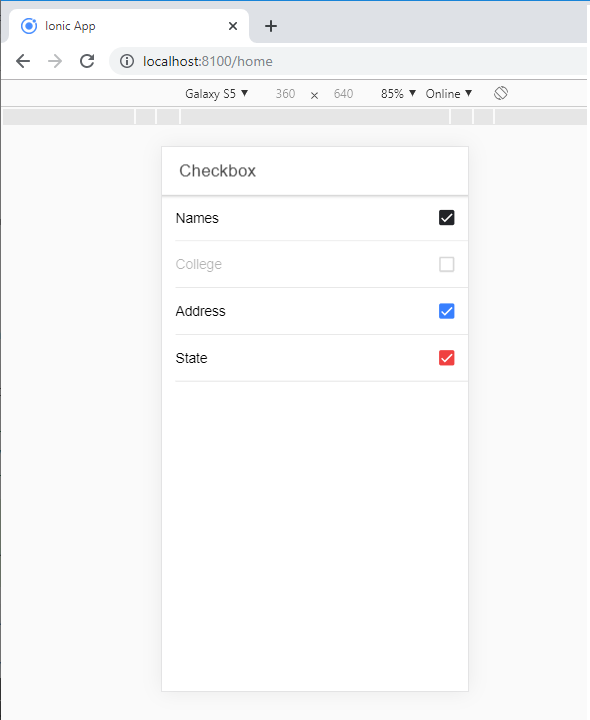
When you execute this code in your localhost,

Adding Checkbox

To create a Checkbox form, you require to add the checkbox class name to both design and the input elements. The following example displays how to add two simple checkboxes, one is checked, and the other is not.

Example:


  CheckBox 


  • checkbox 1
  • checkbox 2

After the execution of this code in your localhost, then you will get an output, which is shown in the given below screenshot.
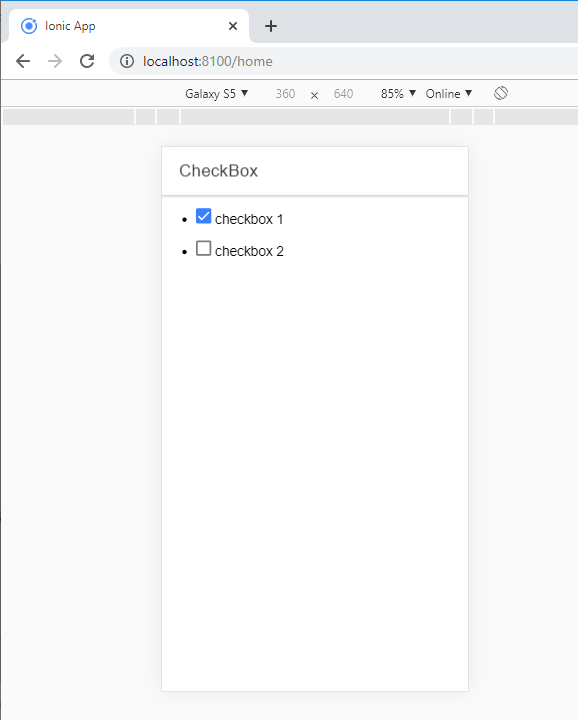
execution of this code in your localhost

Multiple Checkboxes

In multiple checkboxes, you can create various checkboxes or select several checkboxes. Now we will show how to create or choose multiple checkboxes from the following code.

Example:


  CheckBox 


  • checkbox 1
  • checkbox 2
  • checkbox 3
  • checkbox 4

After the execution of this code in your localhost, then you will get an output, which is shown in the given below screenshot.
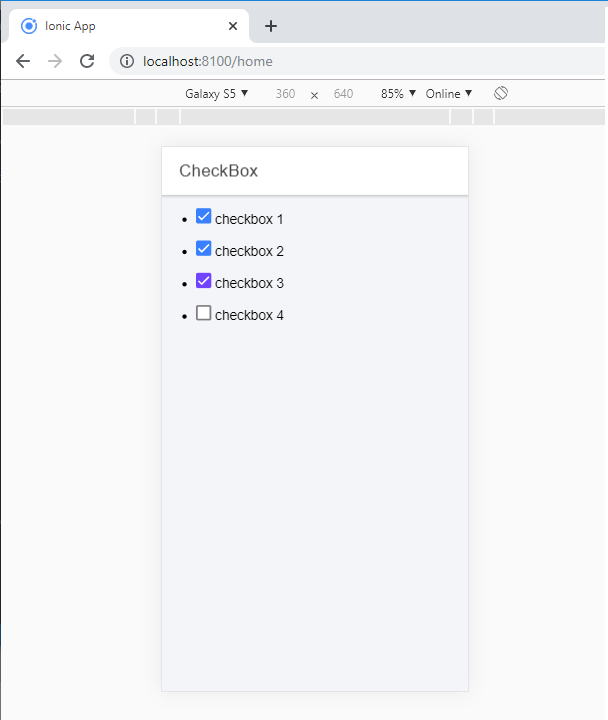
execution of this code in your localhost

Styling checkbox

If you want to style a checkbox, you can use the Ionic color attribute with the checkbox prefix. The following example shows how to design checkboxes from the ionic color attributes with the checkbox component.

Example:


  CheckBox 


  • checkbox 1
  • checkbox 2
  • checkbox 3
  • checkbox 4
  • checkbox 5
  • checkbox 6
  • checkbox 6

After the execution of this code in your localhost, then you will get an output, which is shown in the given below screenshot.
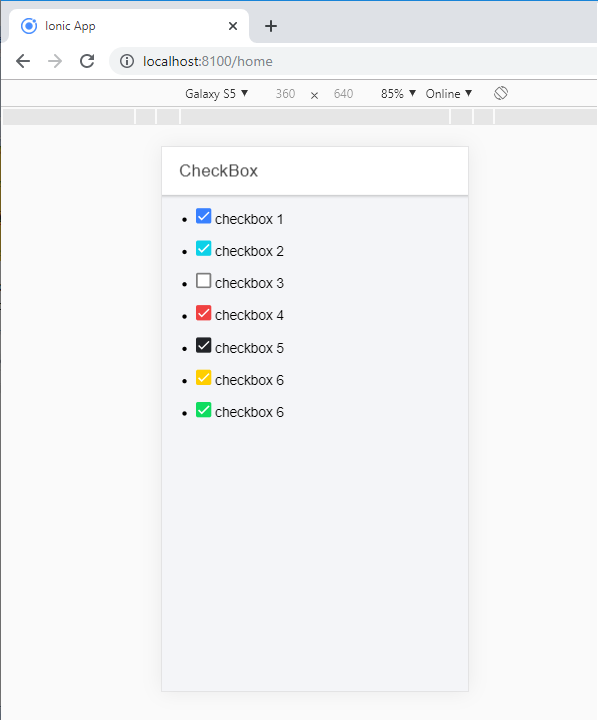
After the execution of this code in your localhost

Related Topics

Ionic Editors

Editors are software programs that permit the users to create and edit the text files. In the development field, editors are usually used to create the source code editors that includes many specific...

3 minutes read.

Ionic vs React Native

Ionic Vs React Native Ionic and React Native are both common framework which is used to develop mobile applications. Here, you will know about the popular differences between the ionic and the React Native. Ionic Ionic...

3 minutes read.

Ionic Cards

Ionic Cards: Ionic cards are a standard part of the user interface that acts as an entry point for more specific information. These are the best components for displaying information...

4 minutes read.

Ionic Camera

Hybrid mobile applications can make very quickly, but sometimes it becomes a challenge to get the features that access the hardware such as GPS, storage, file storage, cameras, and networks. Cordova offers plugins...

4 minutes read.

Ionic Refresher

Refresher means updating the currently showing page so that the user can see the latest view. It is also known as re-loading in web technology. It provides a pull- to-refresh feature on a...

4 minutes read.

Ionic Toggle

The toggle is the same as the HTML checkbox entry, but it looks different and easier to use on a touchscreen device. It is an input component that holds the boolean value. Toggle...

2 minutes read.

Ionic Menu

The Ionic menu is the side-menu navigation that can be slide in from the side of the current view. By default, the menu slides in from the left side, but the side...

7 minutes read.

Ionic Toolbar

A toolbar is a general toolbar that can be used in an application such as a header, sub-header, footer, or even a sub-footer. Because the ion-toolbar is flexbox-dependent, no matter how many toolbars...

3 minutes read.

Ionic Alert

Ionic Alert An Alert is a dialog box that presents the users with important information, or it stores the data from the user by using the inputs. Alerts are a great way to provide...

5 minutes read.

Ionic Grid

The Ionic grid is a very powerful mobile-first flexbox system for building the custom layouts. It is a CSS feature supported by all devices that ionic supports. The Ionic grid is composed of...

11 minutes read.

Ionic vs Apache Cordova

Ionic Vs Apache Cordova Ionic and Cordova are two popular technology going on in the market for mobile application development. The combination of these two technologies creates a development platform that is known as...

3 minutes read.

Ionic Modal

Ionic modal is displayed as a temporary UI that slides into the screen. The ionic modal is a dialog box that is displayed at the top of the app’s content, and it...

5 minutes read.

Ionic Splash Screen

The Apache Cordova plugin helps to displays and hides a splash screen during the application launch. The Ionic Splash Screen is similar to a home page on a website. The ionic splash...

2 minutes read.

Ionic Slides

The ionic slides component is the multi-section container. You can swipe or drag any segment between them. This contains any number of slides components. Slides help it easy to make galleries, tutorials, and...

2 minutes read.

Ionic Chip

Ionic chip displays the complex entities in small entities in small blocks, such as the contacts. Ionic chip has several types of elements like avatars, thumbnails, text, and icons. It is a bubble-like...

3 minutes read.

Ionic Tabs

The ionic tabs mostly used for mobile navigation. It means that tabs are placed at the top of the display on android devices, while at the bottom on IOS. It does not provide...

2 minutes read.

Ionic vs PhoneGap

Ionic Vs PhoneGap Ionic and PhoneGap are both used to develop the mobile application. Both Frameworks are used in large enterprises by the developers. Here, we are going to compare the important differences between ionic...

3 minutes read.

Ionic Select

The Ion Selection component is similar to the HTML <select> element. However, the Ionic Selection component makes it easy for users to categorize and choose the preferred option or other options. You must...

3 minutes read.

Ionic List

Ionic List The ionic list is created of several rows of items that can contain text, buttons, thumbnails, keys, icons, and more. Lists are one of the essential components in any web or...

4 minutes read.

Ionic Spinner

The ionic spinner component provides the various SVG (Scalable Vector Graphic) spinners. Ionic spinners are the visual indicators that display the app which is loading content or performing another process that the user...

5 minutes read.