
×

Ionic Slides

The ionic slides component is the multi-section container. You can swipe or drag any segment between them. This contains any number of slides components. Slides help it easy to make galleries, tutorials, and page-based layouts. It takes several configuration options on the <ion-slides> component.

Ion-Slide

The ion-slide component is the child component of slides. The template should be required written as the ionic slide. Any slide content must be written in this <ion-slide> component and should be used in conjunction with the slides.

This example helps you to understand how you can use the slides in the ionic application.

Example:

Home.page.html


 Slides Example


Ionic Appication

The Ionic Framework is based on the AngularJS framework that permits a programmer to use a combination of many other programming languages, like as HTML5, CSS, and JavaScript.

History of Ionic

It is a complete open-source platform for hybrid mobile application development created by Ben Sperry, Max Lynch and Adam Bradley of Drifty Co. in 2013.

What is Ionic Slide

The ionic slides component is the multi-section container. You can swipe or drag any segment between them. Slides help it easy to make galleries, tutorials, and page-based layouts.

Ready to Start?

Continue

home.page.scss

:root { 
 --ion-safe-area-top: 25px; 
 --ion-safe-area-bottom: 27px; 
 } 
 .swiper-slide { 
 display: block; 
 } 
 ion-slide > h2 { 
 margin-top: 3.0rem; 
 } 
 ion-slide > img { 
 max-height: 60%; 
 max-width: 75%; 
 margin: 42px 0; 
 }  

Output: After executing this code, you will get the output, as shown below.
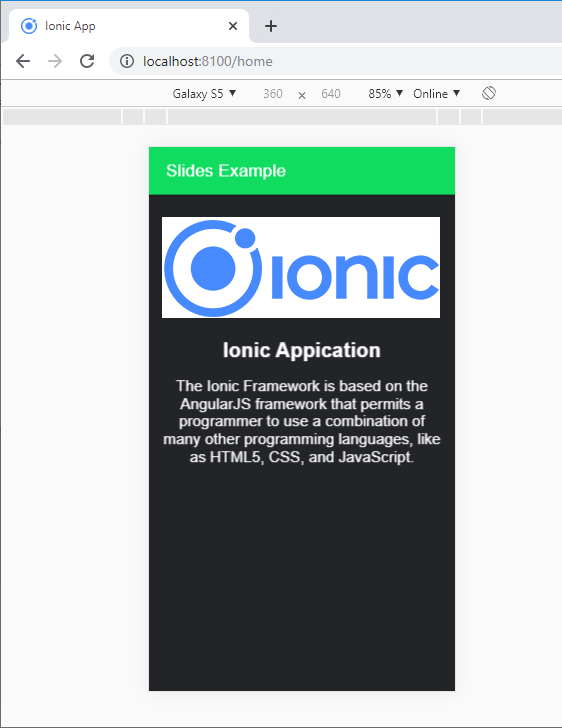
Ionic Slides 1

If you slide the page, it will display the next page, which is shown below. You can also try it for sliding all the pages.
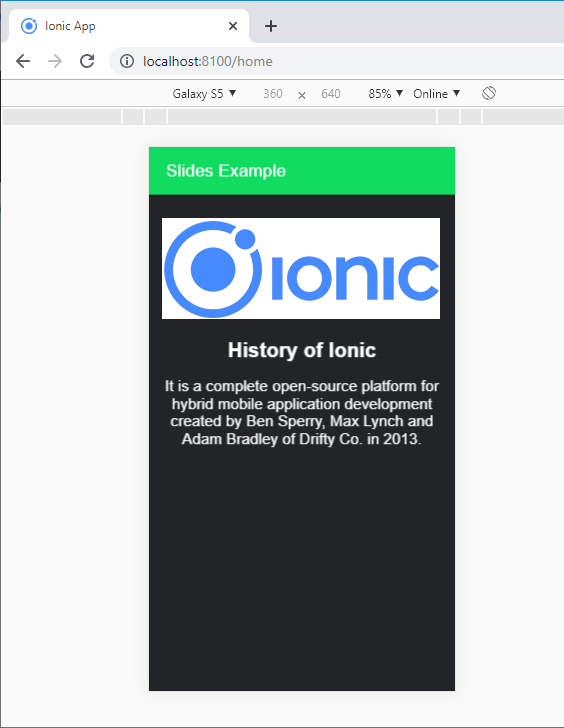
Ionic Slides 2

. Custom Animations

By default, Ionic slides use the built-in animation effect of the slide. It helps to provide the custom animations via the options property. You can use the following syntax to create the custom animation with the help of option property.

This example explains how you can use the custom animation effects with the ionic slides in the ionic application.

Example:

Home.page.html


  Slides Example


Ionic Appication

The Ionic Framework is based on the AngularJS framework that permits a programmer to use a combination of many other programming languages, like as HTML5, CSS, and JavaScript.

History of Ionic

It is a complete open-source platform for hybrid mobile application development created by Ben Sperry, Max Lynch and Adam Bradley of Drifty Co. in 2013.

What is Ionic Slide

The ionic slides component is the multi-section container. You can swipe or drag any segment between them. Slides help it easy to make galleries, tutorials, and page-based layouts.

Ready to Start?

Continue

Home.page.ts

 import { Component } from '@angular/core'; 
 @Component({ 
  selector: 'app-home', 
  templateUrl: 'home.page.html', 
  styleUrls: ['home.page.scss'], 
 }) 
 export class HomePage { 
  slideOpts = { 
  initialSlide: 1, 
  speed: 350, 
  effect: 'flip', 
  }; 
  constructor() {} 
 }  

Output: After executing this code, it will show the slider when you start the ionic application. You can see any slide from this page. The output as shown below:
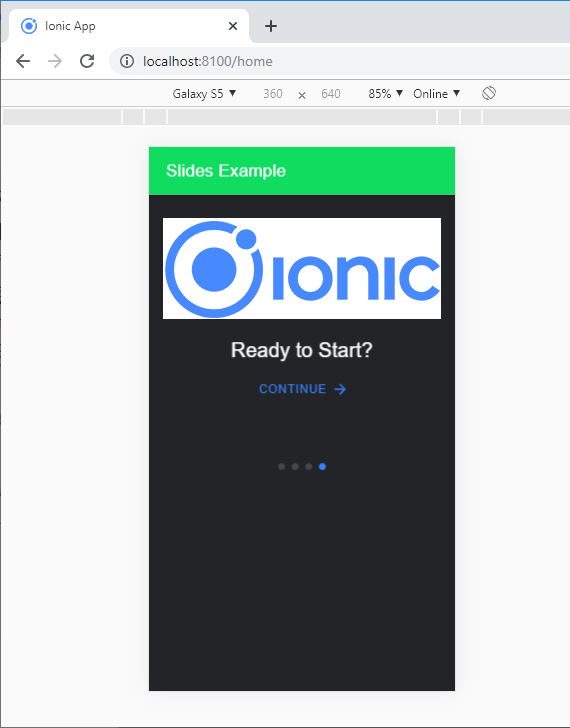
Ionic Slides

Related Topics

Ionic Popover

The Ionic popover is a small dialog box that displays at the top of the screen. It can be used for anything, but it is usually used for a button, an action,...

4 minutes read.

Ionic Refresher

Refresher means updating the currently showing page so that the user can see the latest view. It is also known as re-loading in web technology. It provides a pull- to-refresh feature on a...

4 minutes read.

Ionic Splash Screen

The Apache Cordova plugin helps to displays and hides a splash screen during the application launch. The Ionic Splash Screen is similar to a home page on a website. The ionic splash...

2 minutes read.

Ionic Buttons

Ionic Buttons There are different types of buttons in the Ionic framework. These buttons are subtly animated, enhancing the user experience when using the application. Buttons are a fundamental way of interacting and navigating...

4 minutes read.

Ionic List

Ionic List The ionic list is created of several rows of items that can contain text, buttons, thumbnails, keys, icons, and more. Lists are one of the essential components in any web or...

4 minutes read.

Ionic vs PhoneGap

Ionic Vs PhoneGap Ionic and PhoneGap are both used to develop the mobile application. Both Frameworks are used in large enterprises by the developers. Here, we are going to compare the important differences between ionic...

3 minutes read.

Ionic Date Time

Ionic Date Time The DateTime component is used to display an interface that makes it simple for users to select dates and times. Tapping on <ion-datetime> will display a slider up from the...

4 minutes read.

Ionic vs React Native

Ionic Vs React Native Ionic and React Native are both common framework which is used to develop mobile applications. Here, you will know about the popular differences between the ionic and the React Native. Ionic Ionic...

3 minutes read.

Ionic Infinite Scroll

The infinite scroll permits you to perform an action when the user scrolls a particular content from the bottom or top of the page. When you display the large collection of data...

3 minutes read.

Ionic Toolbar

A toolbar is a general toolbar that can be used in an application such as a header, sub-header, footer, or even a sub-footer. Because the ion-toolbar is flexbox-dependent, no matter how many toolbars...

3 minutes read.

Ionic Alert

Ionic Alert An Alert is a dialog box that presents the users with important information, or it stores the data from the user by using the inputs. Alerts are a great way to provide...

5 minutes read.

Ionic Grid

The Ionic grid is a very powerful mobile-first flexbox system for building the custom layouts. It is a CSS feature supported by all devices that ionic supports. The Ionic grid is composed of...

11 minutes read.

Ionic Loading

The ionic loader is an overlay that can be used to indicate activity, the user interaction while blocking. The ionic loader shows on the top of the app content, and it can...

5 minutes read.

Features of Ionic Framework

The Ionic Framework is based on the AngularJS framework that permits a programmer to use a combination of many other programming languages, like HTML5, CSS, and JavaScript. Some of the...

4 minutes read.

Ionic progress bar

The ionic progress bar element is a horizontal progress bar used to visualize the progression of operation and activity. You can use the <ion-progress-bar> component to create a progress bar in the ionic...

4 minutes read.

Ionic Chip

Ionic chip displays the complex entities in small entities in small blocks, such as the contacts. Ionic chip has several types of elements like avatars, thumbnails, text, and icons. It is a bubble-like...

3 minutes read.

Ionic Input

Ionic Input Inputs are necessary to collect and process user inputs securely. To be easy for users to communicate, they must follow the process and communication guidelines for each platform. It is a...

3 minutes read.

Ionic Spinner

The ionic spinner component provides the various SVG (Scalable Vector Graphic) spinners. Ionic spinners are the visual indicators that display the app which is loading content or performing another process that the user...

5 minutes read.

Ionic vs Apache Cordova

Ionic Vs Apache Cordova Ionic and Cordova are two popular technology going on in the market for mobile application development. The combination of these two technologies creates a development platform that is known as...

3 minutes read.

Ionic Contents

Ionic Contents The content component provides an easy-to-use content area with some useful ways to control the scrollable region. There should be only one content in one view. Content, along with several other Ionic...

2 minutes read.