Excel VBA IsNull Function
VBA IsNull Function: The IsNull function in VBA returns a Boolean, indicating whether a supplied expression is Null.
Syntax
IsNull (Expression)
Parameter
Expression (required)- This parameter represents the name of the argument that you want to check.
Return
This function returns a Boolean value True if the specified expression is null else it returns False if the argument has been supplied.
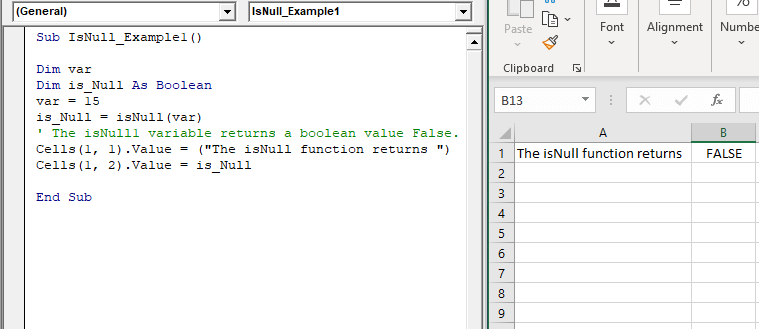
Example 1
Sub IsNull_Example1()
 Dim var
 Dim is_Null As Boolean
 var = 15
 is_Null = isNull(var)
 ' The isNull1 variable returns a boolean value False.
 Cells(1, 1).Value = ("The isNull function returns ")
 Cells(1, 2).Value = is_Null
 End Sub
Output
| The isNull function returns | FALSE |
Example 2
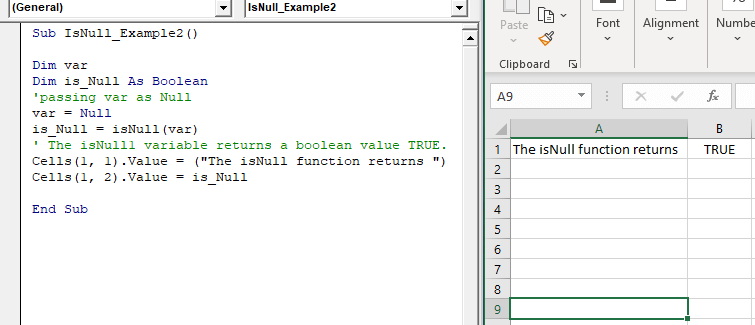
Sub IsNull_Example2()
 Dim var
 Dim is_Null As Boolean
 'passing var as Null
 var = Null
 is_Null = isNull(var)
 ' The isNull1 variable returns a boolean value TRUE.
 Cells(1, 1).Value = ("The isNull function returns ")
 Cells(1, 2).Value = is_Null
 End Sub
Output
| The isNull function returns | TRUE |
Example 3
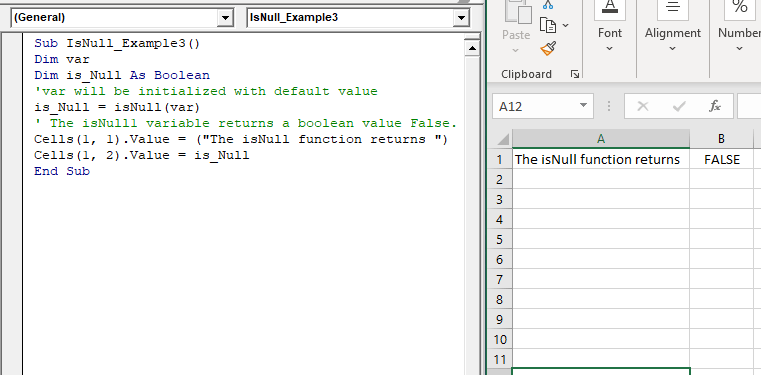
Sub IsNull_Example3()
 Dim var
 Dim is_Null As Boolean
 'var will be initialized with default value
 is_Null = isNull(var)
 ' The isNull1 variable returns a boolean value False.
 Cells(1, 1).Value = ("The isNull function returns ")
 Cells(1, 2).Value = is_Null
 End Sub
Output
| The isNull function returns | FALSE |