
CSS Color
CSS Colors: The CSS color property is used for setting the HTML element’s color. The color of the fonts and the color of the background can be set-up by using this property. There are several values that have been defined to specify the color. It can also be applied to set the color of the border and other various decorative effects. Following are some values in which we can specify the color:
- Hexadecimal notation
- RGB format
- RGBA format
- Built-in color
- HSL
- HSLA
Hexadecimal Notation
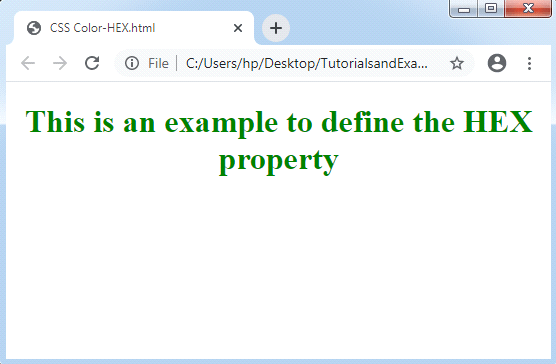
Hexadecimal notation is represented as any six-digit representation of the color. It begins with a # symbol. This symbol is pursued by any six characters, which are range from any 0 to F.
Hexadecimal notation’s last two numbers illustrate the color value as blue (BB). Two numbers in the middle represent the color value as green (GG). First two numbers define the color value as red (RR).
- Code #000000 is used to represent the notation for black color.
- The code #FFFFFF is used to represent the notation for white color.
- Some other codes are- #FFFF00, #0000FF, #00FF00, and #FF0000.
Syntax:
color: #(0-F)(0-F)(0-F)(0-F)(0-F)(0-F);
Example:
<!DOCTYPE html>
<html>
<head>
<style> h1 { text-align: center; } #hex { color: #008000; } </style>
</head>
<body> <h1 id="hex">This is an example to define the HEX property</h1>
</body>
</html>
Output:
Short Hex-codes
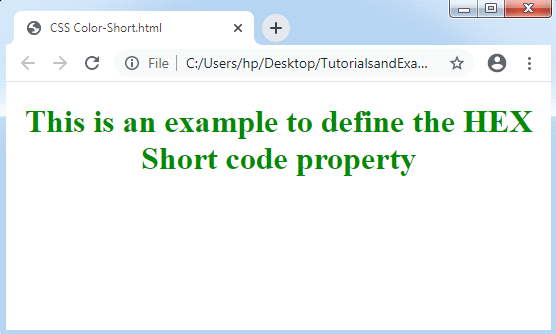
It is short for hexadecimal notation where every digit can be redesigned to reach at a hexadecimal value. For-example, #7B6 will be changed in hexadecimal code #77BB66. The code #000 is used to represent the notation for black color. The code #FFF is used to represent the notation for white color. Some other codes are- #F00, #0FF, #0F0, and #FF0, and many others.
Example:
<!DOCTYPE html>
<html>
<head>
<style>
h1 {
text-align: center;
}
#short {
color: #080;
}
</style>
</head>
<body>
<h1 id="short">This is an example to define the HEX Short code property</h1>
</body>
</html>
Output:
RGB Format
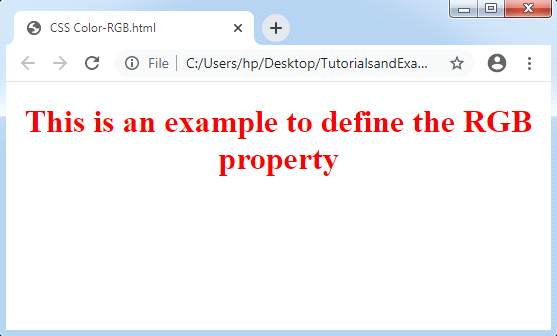
It means “RED GREEN and BLUE,” format i.e., used for describing the html element’s color by simply indicating the R, G, B values that are range from 0-255. The rgb() property is applied in code to define the values of colors. It allows for three values, which can be defined in integer or percentage (0-255).
Note: All browsers do not allow this property. Thus, the rgb() property can’t be used in all the browsers.
Syntax:
color: rgb(R, G, B);
Example:
<!DOCTYPE html>
<html>
<head>
<style>
h1 {
text-align: center;
}
#rgb {
color: rgb(255,0,0);
}
</style>
</head>
<body>
<h1 id="rgb">This is an example to define the RGB property</h1>
</body>
</html>
Output:
RGBA Format
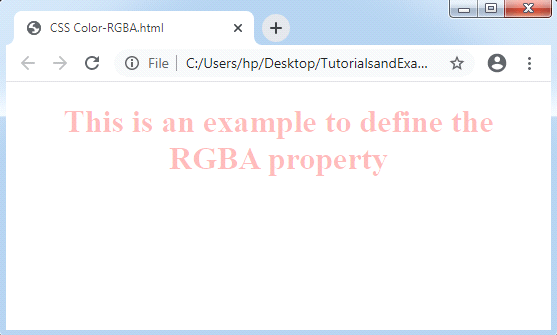
The RGBA format includes Alpha (A), which defines the transparency of an element. This format is very similar to the RGB format, exclude A (Alpha). Its values ranges from 0.0 to 1.0, where 1.0 value is used for content that is not transparent, and 0.0 value is used for a fully transparent content.
Syntax:
color: rgba(R, G, B, A);
Example:
<!DOCTYPE html>
<html>
<head>
<style>
h1 {
text-align: center;
}
#rgba {
color: rgba(255,0,0,0.3);
}
</style>
</head>
<body>
<h1 id="rgba">This is an example to define the RGBA property</h1>
</body>
</html>
Output:
Built-in Color
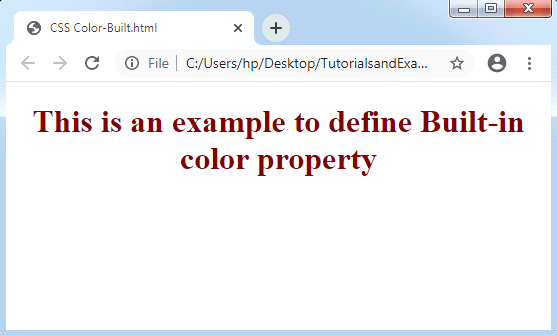
The built-in property describes a collection of colors that are defined previously. It can be used by mention the name of the color like green, red, blue, yellow, and many more.
Syntax:
color: color-name;
Example:
<!DOCTYPE html>
<html>
<head>
<style>
h1 {
text-align: center;
}
#built {
color: maroon;
}
</style>
</head>
<body>
<h1 id="built">This is an example to define Built-in color property</h1>
</body>
</html>
Output:
HSL
In this format, H stands for Hue, S stands for Saturation, and L stands for Lightness, which are discussed below:
Hue: Hue can be described as a degree over the wheel of the color, ranges from 0-360. The value 0 defines red color, 120 define the green color, and 240 define blue color.
Saturation: Saturation takes the values in the form of percentage, where 100% defines a fully saturated, which means no gray shades. 50% defines 50% gray, here the color will be still visible. 0% defines a fully unsaturated, which means the content will not be visible and it will be displayed in fully gray color.
Lightness: The color’s lightness may be described as the complexion of light, which we wish to give to the colors. Here, 100% defines the white color, means full brightness. 50% defines neither light nor dark. 0% defines the black color, means no light.
Syntax:
color: hsl(H, S, L);
Example:
<!DOCTYPE html>
<html>
<head>
<style>
h1 {
text-align: center;
}
#hsl {
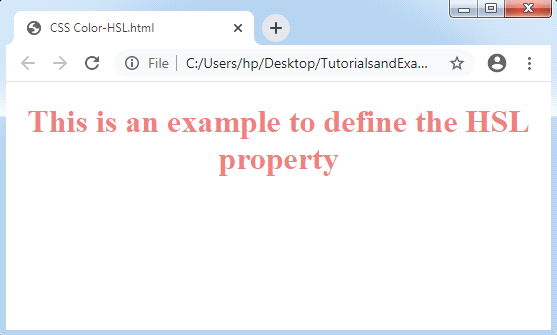
color: hsl(0,70%,70%);
}
</style>
</head>
<body>
<h1 id="hsl">This is an example to define the HSL property</h1>
</body>
</html>
Output:
HSLA
The HSLA format includes Alpha (A), represents the transparency of elements. It is very similar to the HSL format, exclude the Alpha (A). Its values are ranges from 0.0 to 1.0, where 1.0 value is used for a content that will be not transparent and 0.0 value is used for a fully transparent content.
Syntax:
color: hsla(H, S, L, A);
Example:
<!DOCTYPE html>
<html>
<head>
<style>
h1 {
text-align: center;
}
#hsla {
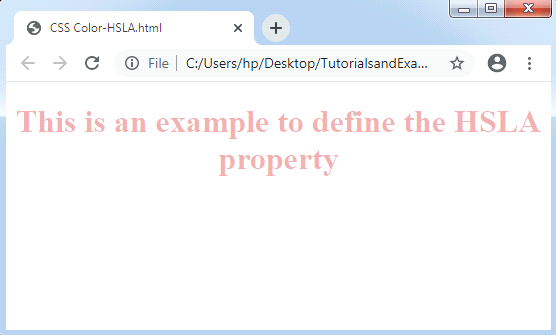
color: hsla(0,60%,60%,0.5);
}
</style>
</head>
<body>
<h1 id="hsla">This is an example to define the HSLA property</h1>
</body>
</html>
Output:
Some colors with their hexadecimal and decimal values are below:
| S. No. | Color name | Decimal Value | Hexadecimal Value |
| 1. | Aqua | rgb(0, 255, 255) | #00FFFF |
| 2. | Black | rgb(0, 0, 0) | #000000 |
| 3. | Brown | rgb(165, 42, 42) | #A52A2A |
| 4. | Blue | rgb(0, 0, 255) | #0000FF |
| 5. | Green | rgb(0, 128, 0) | #008000 |
| 6. | Gray | rgb(128, 128, 128) | #808080 |
| 7. | Orange | rgb(255, 165, 0) | #FFA500 |
| 8. | Pink | rgb(255, 192, 203) | #FFC0Cb |
| 9. | Red | rgb(255, 0, 0) | #FF0000 |
| 10. | Violet | rgb(238, 130, 238) | #EE82EE |
| 11. | White | rgb(255, 255, 255) | #FFFFFF |
| 12. | Yellow | rgb(255, 255, 0) | #FFFF00 |