Excel VBA DateAdd Function
The DateAdd function in VBA adds a time interval to a supplied date and/or time and returns the resultant date/time.
Syntax
Dateadd (Interval, Number, Date)
Parameter
Interval (required) – This parameter a string specifying the interval to be used.
It can take the following values:
- “d” - Days
- “h” - Hours
- “n” - Minutes
- “m” - Months
- “q” - Quarters
- “s” - Seconds
- “ww” – Weeks
- “yyyy” - Years
Number (required) – This parameter represents the number of intervals to add to the specified Date.
Date (required) – This parameter represents the date/time that you want to add the specified number of intervals to.
Return
This function returns the resultant date/time.
Example 1
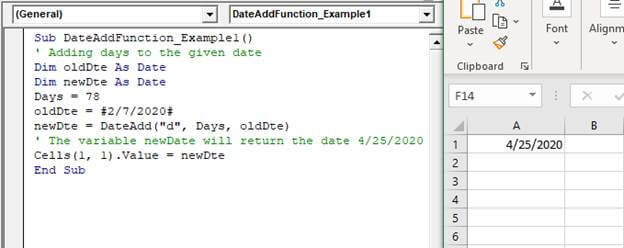
Sub DateAddFunction_Example1()
 ' Adding days to the given date
 Dim oldDte As Date
 Dim newDte As Date
 Days = 78
 oldDte = #2/7/2020#
 newDte = DateAdd("d", Days, oldDte)
 ' The variable newDate will return the date 4/25/2020
 Cells(1, 1).Value = newDte
 End Sub
Output
4/25/2020
Example 2
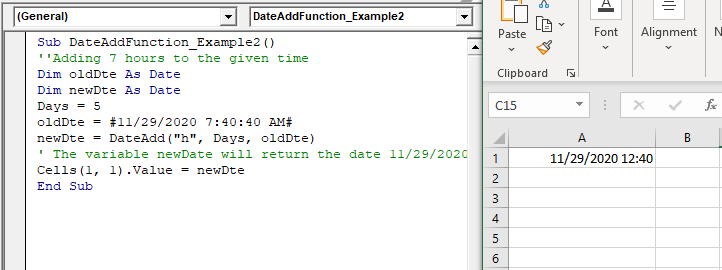
Sub DateAddFunction_Example2()
 ''Adding 5 hours to the given time
 Dim oldDte As Date
 Dim newDte As Date
 Days = 5
 oldDte = #11/29/2020 7:40:40 AM#
 newDte = DateAdd("h", Days, oldDte)
 ' The variable newDate will return the date and time 11/29/2020 12:40
 Cells(1, 1).Value = newDte
 End Sub
Output
11/29/2020 12:40
Example 3
Sub DateAddFunction_Example3()
 ''Adding 5 months to the given date
 Dim oldDte As Date
 Dim newDte As Date
 moth = 5
 oldDte = #8/29/2020#
 newDte = DateAdd("m", moth, oldDte)
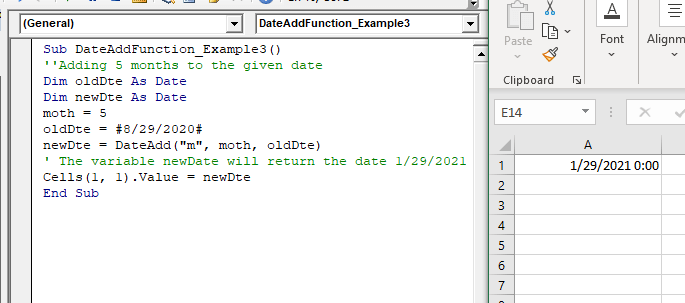
 ' The variable newDate will return the date 1/29/2021 0:00
 Cells(1, 1).Value = newDte
 End Sub
Output
1/29/2021 0:00