Excel VBA Val Function
VBA Val Function: The Val function in VBA converts the given string into a numeric value. This function ignores spaces and continues to read the characters after space(s). It stops reading the String if the numbers include currency symbols, the % symbol and commas.
Syntax
Val (String)
Parameter
String (required) – This parameter represents the string value that you want to convert to numeric.
Return
This function returns a numeric value after converting the specified string into numeric.
Example 1
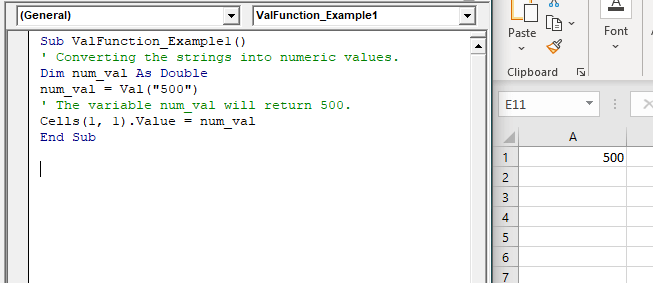
Sub ValFunction_Example1()
 ' Converting the strings into numeric values.
 Dim num_val As Double
 num_val = Val("500")
 ' The variable num_val will return 500.
 Cells(1, 1).Value = num_val
 End Sub
Output
500
Example 2
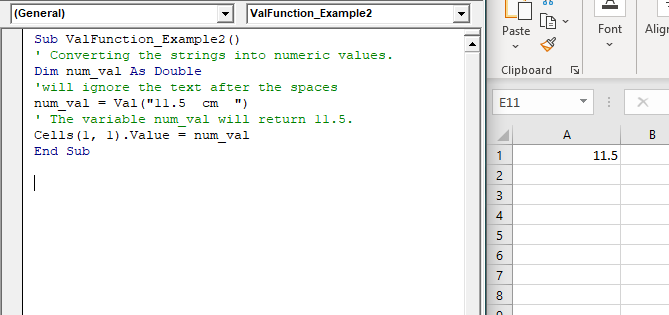
Sub ValFunction_Example2()
 ' Converting the strings into numeric values.
 Dim num_val As Double
 'will ignore the text after the spaces
 num_val = Val("11.5  cm  ")
 ' The variable num_val will return 11.5.
 Cells(1, 1).Value = num_val
 End Sub
Output
11.5
Example 3
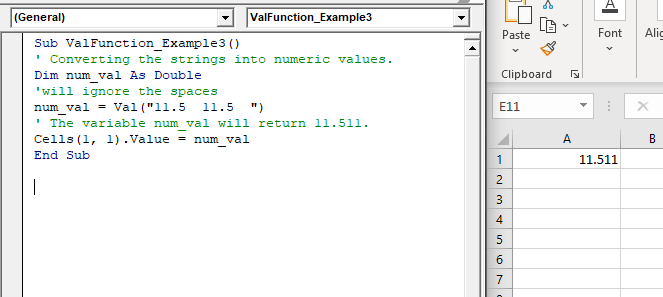
Sub ValFunction_Example3()
 ' Converting the strings into numeric values.
 Dim num_val As Double
 'will ignore the spaces
 num_val = Val("11.5  11.5  ")
 ' The variable num_val will return 11.511.
 Cells(1, 1).Value = num_val
 End Sub
Output
11.511
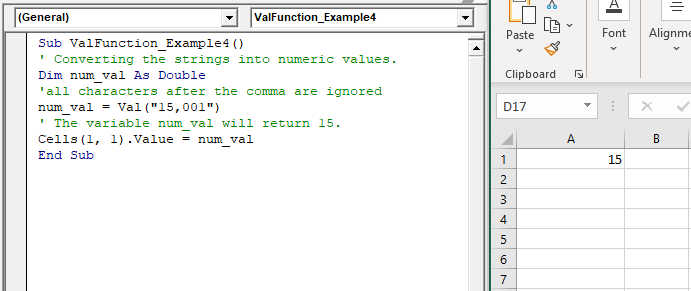
Example 4
Sub ValFunction_Example4()
 ' Converting the strings into numeric values.
 Dim num_val As Double
 'all characters after the comma are ignored
 num_val = Val("15,001")
 ' The variable num_val will return 15.
 Cells(1, 1).Value = num_val
 End Sub
Output
15