VBA Color Index Property
What is Color Index Property?
The Excel VBA Color Index is used to change the color for the cell or range of cells or text (located under the Font section). It sets the color for Excel objects like cell color or shapes color. The Colo index function also helps to fill the borders, cell background, and font colors. It provides a unique identification for a different type of colors.
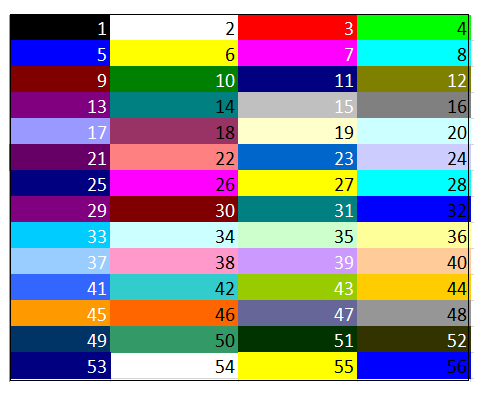
This function accepts 56 colors and 2 special colors (xlColorIndexAutomatic, xlColorIndexNone) which are as follows:
- 2 special color
| Index Value | Color Name | Explanation |
| -4105 | xlColorIndexAutomatic | This method sets the default color of the index i.e., black. |
| -4142 | xlColorIndexNone | This method clears all the current index colors and set it to none. |
- 56 Basic Colors
Syntax
- ColorIndex property of Excel VBA: This syntax is used for setting or returning the index color value for the specified Excel Objects.
Expression.ColorIndex
- ColorIndex property to store or fetch Index value: This VBA Syntax to fetch the index color value for the excel sheet’s Font, Border, or Interior Color and store it another Variable:
dblColorValue= expression.ColorIndex
- Set ColorIndex value to Excel Objects: This syntax enables the user to fill or modify the colors of Excel objects.
expression.ColorIndex= IndexValue (1 t0 56/ -4105/ -4142)
- To set interior background: The following VBA syntax is used to fill the background color for the specified range of cells.
expression.Interior.ColorIndex= IndexValue (1 t0 56/ -4105/ -4142)
- To set the border color: The following VBA syntax is used to fill the borders color for the Excel data.
expression.Borders.ColorIndex= IndexValue (1 t0 56/ -4105/ -4142)
- To set the Font color: This syntax is used to fill the font colors.
expression.Font.ColorIndex= IndexValue (1 t0 56/ -4105/ -4142)
VBA code for ColorIndex Table
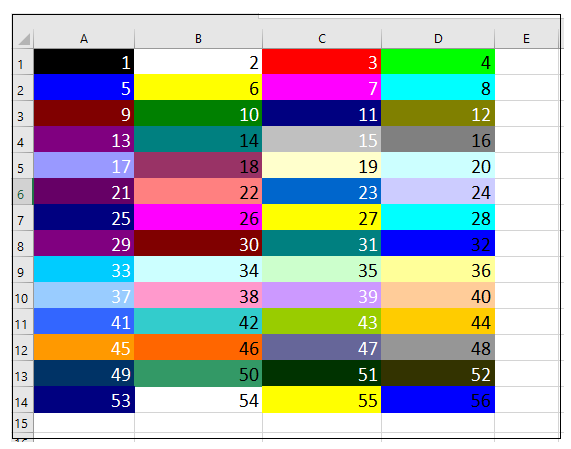
ColorIndex property 56 color shades. Let’s check all the shades through the VBA code. Below is the code to run a code for printing the Index colors in your Excel sheet:
Code:
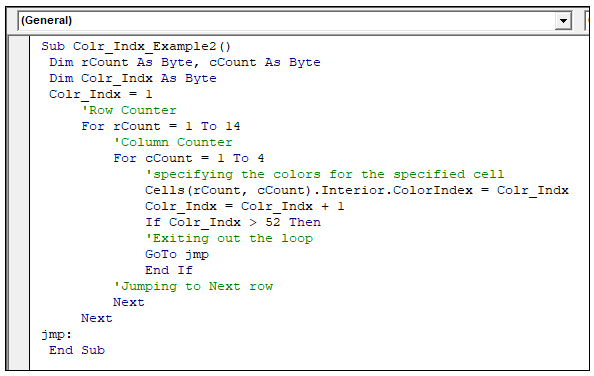
Sub Colr_Indx_Table()
  Dim rCount As Byte, cCount As Byte
  Dim Colr_Indx As Byte
  Colr_Indx = 1
      'Row Counter
      For rCount = 1 To 14
          'Column Counter
          For cCount = 1 To 4
              'specifying the colors for the specified cell
              Cells(rCount, cCount).Interior.ColorIndex = Colr_Indx
              Colr_Indx = Colr_Indx + 1
              If Colr_Indx > 52 Then
              'Exiting out the loop
              GoTo jmp
              End If
          'Jumping to Next row
          Next
      Next
 jmp:
  End Sub
Output
Changing Font Color through VBA ColorIndex
Font options can be manually changed from the Home tab of Excel Ribbon Toolbar. But you can even automate this task and select appropriate Index colors using ColorIndex property of Font Object.
Example 1: To change the font color
Code:
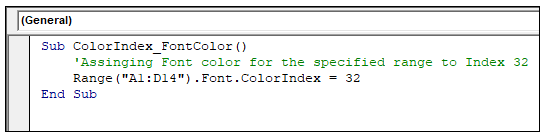
Sub ColorIndex_FontColor()
     'Assigning Font color for the specified range to Index 32
     Range("A1:D14").Font.ColorIndex = 32
 End Sub
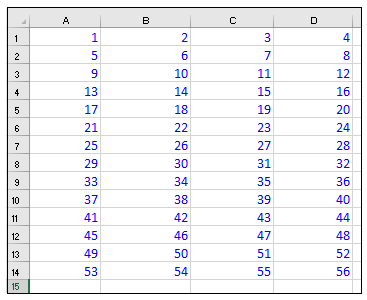
Output
Example 2: To set default font color i.e., Black
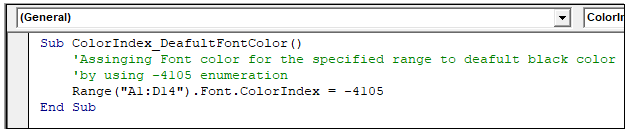
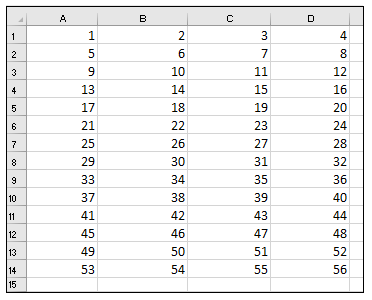
We can set the default font color for the text by using -4105 enumeration.
Code:
Sub ColorIndex_DeafultFontColor()
     'Assigning Font color for the specified range to default black color
     'by using -4105 enumeration
     Range ("A1:D14").Font.ColorIndex = -4105
 End Sub
Output
Example 3: Set Font Color to None
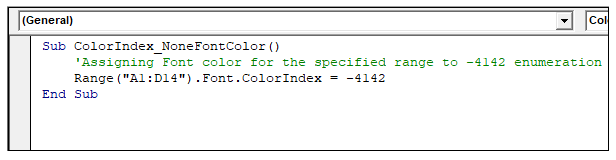
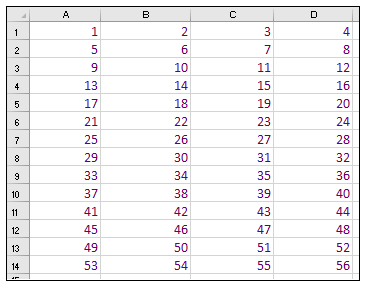
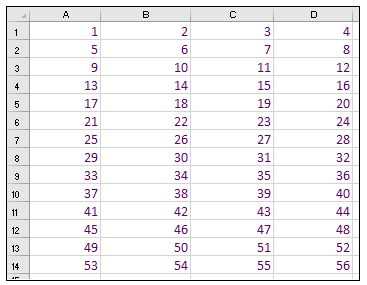
Excel font color can not be set to none. In the below example, you will notice that the code has successfully run, but there is no change in the font color. The ColorIndex -4142 does works with font objects. Hence, there would be no effect.
Code:
Sub ColorIndex_NoneFontColor()
     'Assigning Font color for the specified range to -4142 enumeration
     Range("A1:D14").Font.ColorIndex = -4142
 End Sub
Output
Before running the code
After running the code
Background Color in VBA Excel
VBA ColorIndex property also enables us to fill or modify the background (interior of cell) color using the ColorIndex property of Interior object.
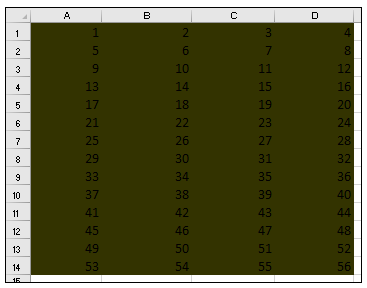
Example 1: To set background color with Index color 52
Code:
Sub ColorIndex_BackgroundColor()
     'Assigning background color for the specified range to Index 52
     Range("A1:D14").Interior.ColorIndex = 52
 End Sub
Output
| Index Value | Color Name | Explanation |
| -4105 | xlColorIndexAutomatic | This method sets the default color of the index i.e., black. |
Example 2: Default background color
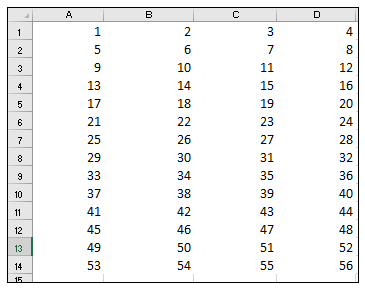
The ColorIndex property can also enable you to set the default color in the background. For this, we can set the Interior.ColorIndex property to -4105 enumeration. It will eliminate the present BG color also remove the gridlines for the specified range of cells.
Code:
Sub ColorIndex_DeaultBackgroundColor()
     'Clearing the background color for the specified cell
     Range("A1:D14").Interior.ColorIndex = -4105
 End Sub
Output
Example 3: To set Background Index color to none
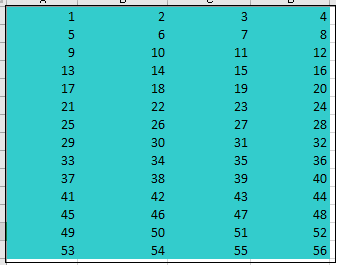
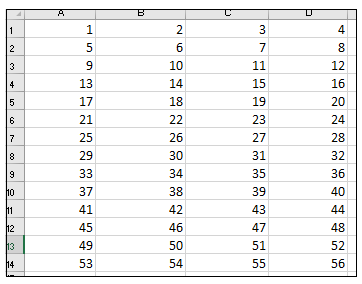
Many times, it required to clear the color formatting and set the color to none. For this, we can set the Interior.ColorIndex property to -4105 enumeration. It will automatically clear the background for the selected range of cells.
Code:
Sub ColorIndex_ClearBckgroundColor()
     'Clearing the background color for the specified cell
     Range("A1:D14").Interior.ColorIndex = -4142
 End Sub
Output
Before Running the code
After Running the code
Border Color in Excel
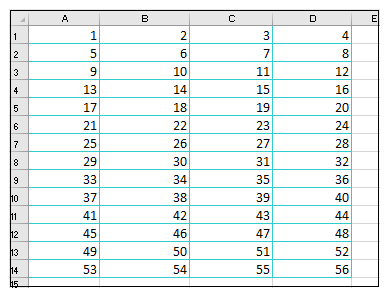
ColorIndex property also enables you to change or alter the colors for the borders. The ‘Borders’ object is used to set this property.
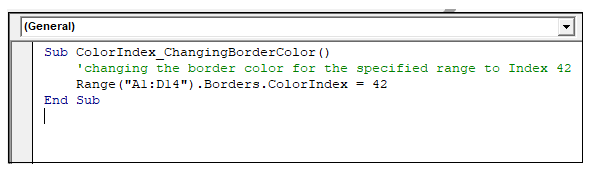
Example 1: Setting the border color to Index 42
Code:
Sub ColorIndex_ChangingBorderColor()
     'changing the border color for the specified range to Index 42
     Range("A1:D14").Borders.ColorIndex = 42
 End Sub
Output
Example 2: Using Default Border Color
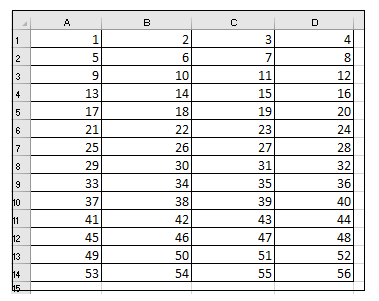
The default border color, i.e., Black, can be achieved by assigning the Borders.ColorIndex value to -4105 enumeration.
Code:
Sub ColorIndex_DefaultBorderColor()
     'Enabling the default border color by using Index -4105
     Range("A1:D14").Borders.ColorIndex = -4105
 End Sub
Output
Example 3- Filling No Border color
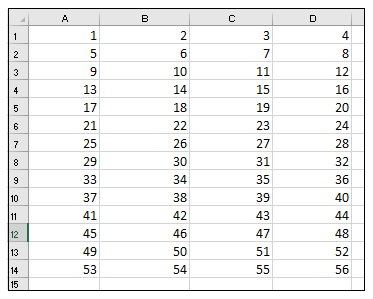
We can clear the borders colors by assigning the Borders.ColorIndex value to -4105 enumeration. Thus, the borders will no more be visible.
Code:
Sub ColorIndex_FillNoBorderColor()
     'Filling no border color by using Index -4142 enumeration
     Range("A1:D14").Borders.ColorIndex = -4142
 End Sub
Output
ColorIndex Error Handling
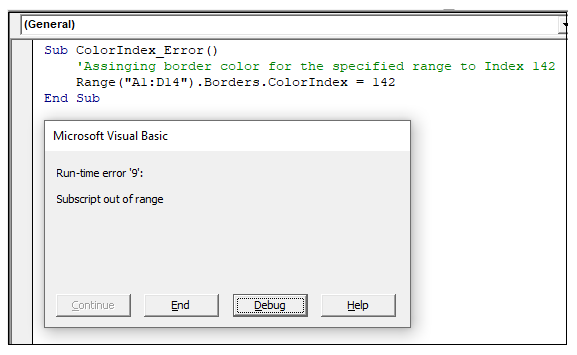
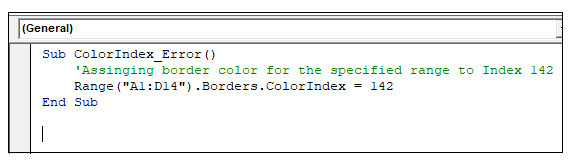
The ColorIndex method can only take the predefined 56 index values and 2 other enumerations ( -4105 enumeration, -4142 enumeration). If you assign any other value apart from these, it will throw ‘Subscript out of Range’ error while running the code.
Code:
Sub ColorIndex_Error()
     'Assigning border color for the specified range to Index 142
     Range("A1:D14").Borders.ColorIndex = 142
 End Sub
Output