VBA Subscript out of Range
What is Subscript out of Range?
The VBA Subscript out of Range error (which is also called as Run-Time Error 9) mostly triggers when the user selects any cell, sheet, or workbook which does not exist does or it exceeds the range or criteria defined by the user in VBA Excel. The index for the window should be the same as the name of the workbook displayed in the title bar of Excel.
For example, you have selected a range of 50 cells of a column in your Excel sheet and have stored the values till 90 cells. In this case, as the values are out of range, VBA will throw a VBA subscript out of range or “Run-Time Error 9” while running the code.
Reasons for its occurrence
Most of the time the Subscript out of Range error triggers because of the following reasons:
- Invalid Collection: It occurs when the user attempts to refer an Index for an invalid collection.
- Undefined Object: The object if not read by the line of code that we entered in our VBA code.
- Array out of Bound: The referenced array element does not exist or the referred subscript is larger or smaller than the specified range of possible subscripts, or the dimensions of the array are not assigned property.
- Undefined Array Elements: The user has not specified the number of elements for the declared array. For example, refer the below code which will generate Subscript out of range error:
Code:
Dim ArrayError() As Integer
MyArry(18) = 2134 ' This will generate Error 9.
- Shorthand Script: If the user implicitly specifies an invalid element, unlike the shorthand form of the subscript. For example, when the ‘!’ operator is used with a collection, the ‘!’ operator implicitly specifies a key.
Advantages of Subscript out of Range
- VBA Subscript out of Range or “Run-Time Error 9” alerts the user about the positioning of the mistake where it occurred in the VBA code.
- It helps the user to specify the kind of error so as they can check it and debug it find the solution of the obtained error code.
Subscript out of Range Example 1
Code:
Sub SubscriptOutOfRange_Example1()
'using the Sheet object refer to your sheet name
'with select method will sselect the mentioned sheet.
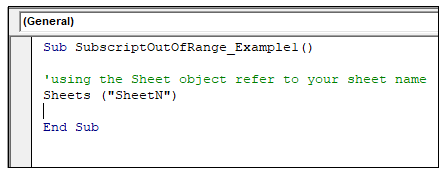
Sheets ("SheetN")
End Sub
Let’s us analyze step-step the above VBA code:
Step 1: Open the developer window by using the shortcut keywords Alt +F11.
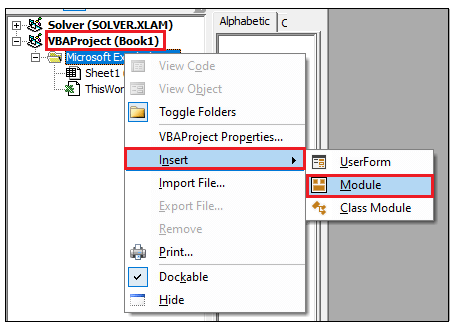
Step 2: Create a module by right-clicking on the VBA Project-> Click on Insert-> Click on Module.
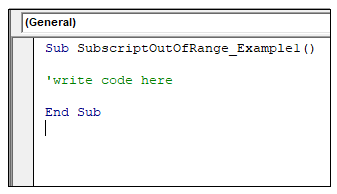
Step 3: In the Module window, introduce the sub-block, followed by your macro name.
Step 4: With the help of your Sheets object, specify your sheet name. Here we have mentioned “SheetN” which is not present in Excel.
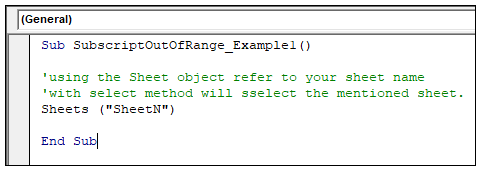
Sheet 5: We will use the Select method we will select the specified sheet.
Output
Step 6: Execute the above code either by pressing the F5 shortcut key or by clicking on the Run button.
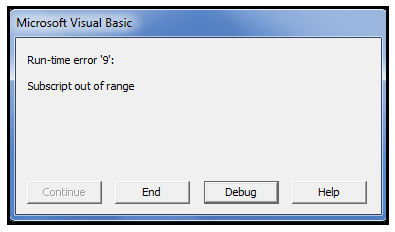
Step 7: You will notice that the Excel VBA will throw a runtime error dialogue box stating: run-time error ‘9’: Subscript out of range".
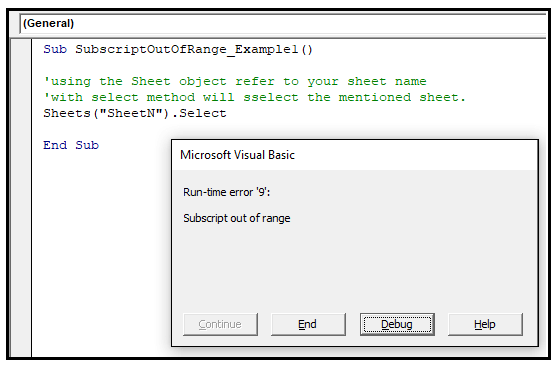
The reason for the above error is because in the above example we tried to access the sheet object “SheetN” which do not exist in Excel workbook. The VBA macro code will throw a run-time error because this error occurred while running the code.
Debug
Step 8: In the Microsoft Visual Basic dialogue box, click on the Debug option.
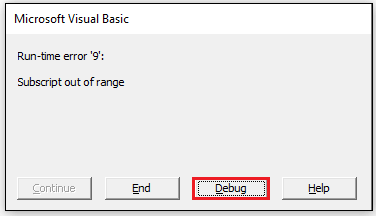
Step 9: The VBA will highlight the code consisting of the mismatch error.
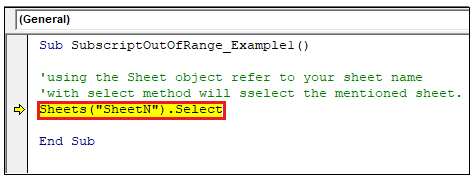
Step 10: Resolve the error (type a valid sheet name, unlike Sheet1) and again run the program.
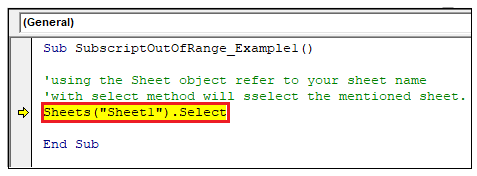
Step 11: The program will run successfully.
Subscript out of Range Example 2 (with Arrays)
When you declare a dynamic array, we use a Dim or REDIM keyword to define the length. What if you don’t mention the keyword Dim or REDIM to set the length of an array. In this case, the VBA macro code will throw the Subscript out of Range error.
Code:
Sub SubscriptOutOfRange_Example2()
'declaring the array object
Dim MyArry() As Integer
MyArry(1) = 25
End Sub
Let’s us analyze step-step the above VBA code:
Step 1: Open the developer window by using the shortcut keywords Alt +F11.
Step 2: Create a module by right-clicking on the VBA Project-> Click on Insert-> Click on Module.
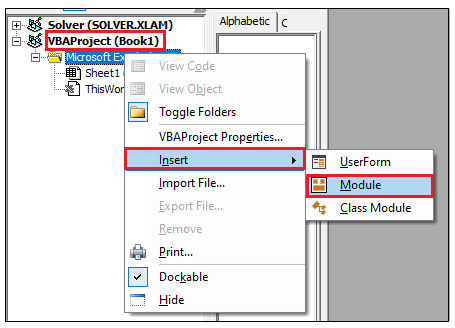
Step 3: In the Module window, introduce the sub-block, followed by your macro name.
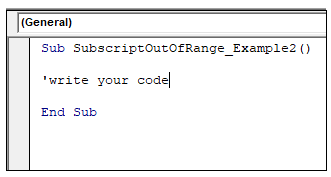
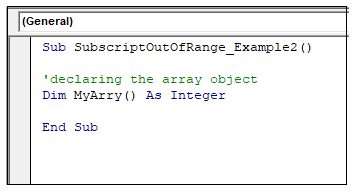
Step 4: Declare your array object. In the below example, we have not declared the upper and lower bound array points.
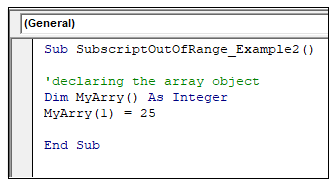
Step 5: Assigning a value to the array variable.
Output
Step 6: Execute the above code either by pressing the F5 shortcut key or by clicking on the Run button.
Step 7: You will notice that the Excel VBA will throw a runtime error dialogue box stating: run-time error ‘9’: Subscript out of range".
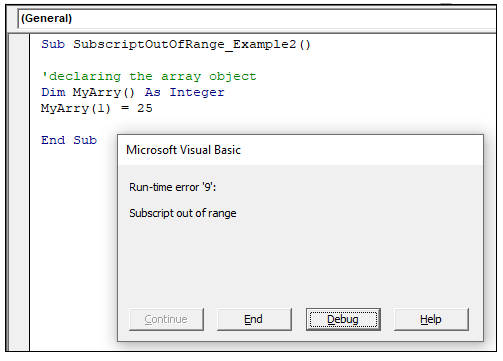
The reason for this error is because, in the above example, we have declared the variable as an array, but we have not assigned the upper and lower bound for the array object and have directly assigned the array value.
So, to prevent the Subscript out of Range error with Array’s always cross-check the spelling of the make sure to verify the starting and ending points (or upper bound or lower bound) after declaring an array and cross check the spelling for the index variable. Or if you are working with dynamic arrays and have been using ReDim(redimensioned) function, make sure to use the LBound (), and UBound () functions to condition accesses.
Debug
Step 8: In the Microsoft Visual Basic dialogue box, click on the Debug option.
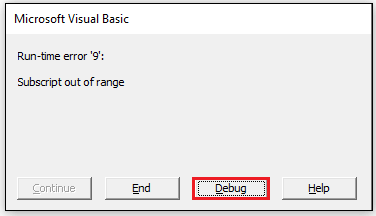
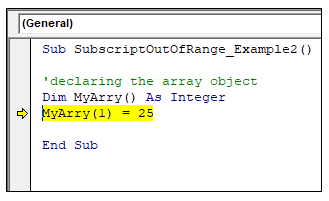
Step 9: The VBA will highlight the code consisting of the mismatch error. Here you will notice, it has highlighted the array object. It means you have some issues with its declaration. So, we need to fix and declare the array object properly.
Step 10: After correcting it, run the program again.
Code:
Sub SubscriptOutOfRange_Example2()
'declaring the array object
Dim MyArry(3) As Integer
MyArry(1) = 25
'displaying the MyArray object
MsgBox (MyArry(1))
End Sub
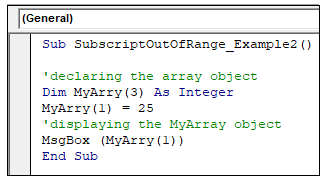
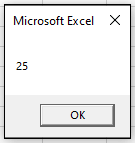
Code 11: It will successfully run the VBA code, and will give the following result.