×

How to Setup Environment for C++ Programming on Mac

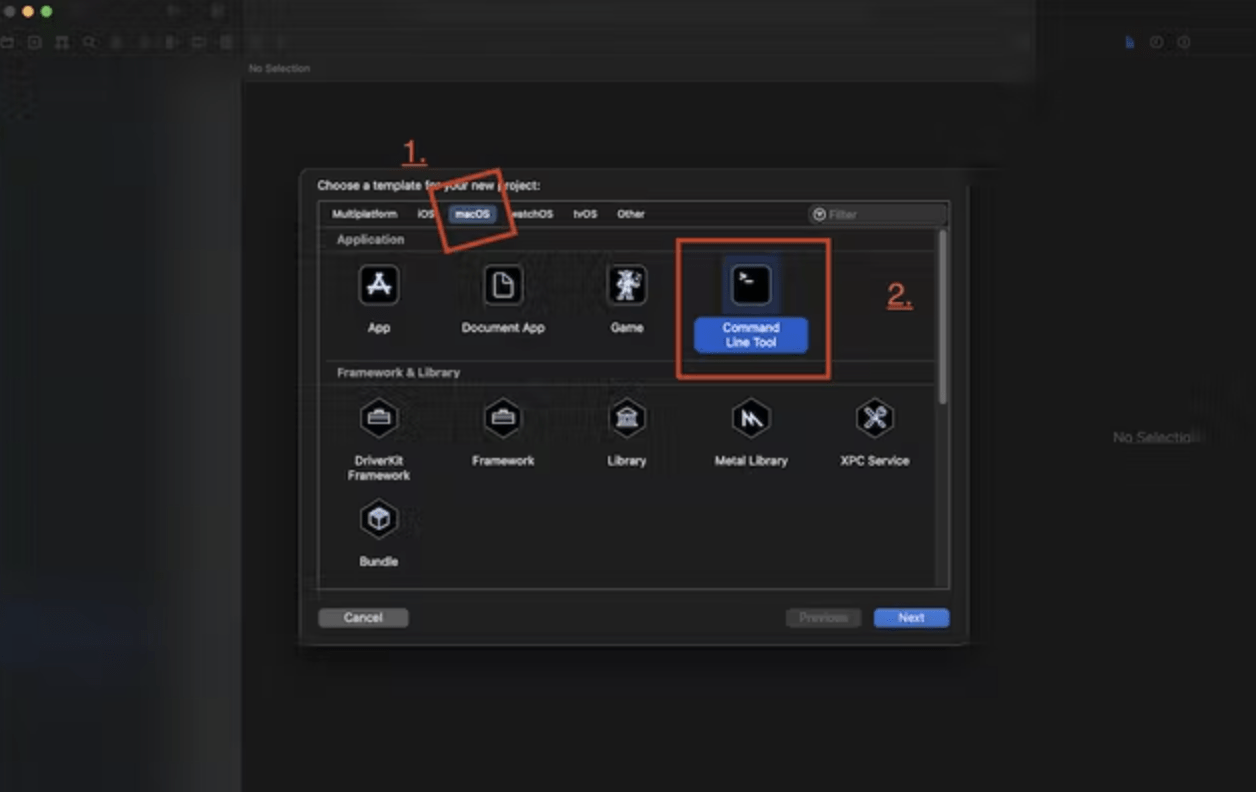
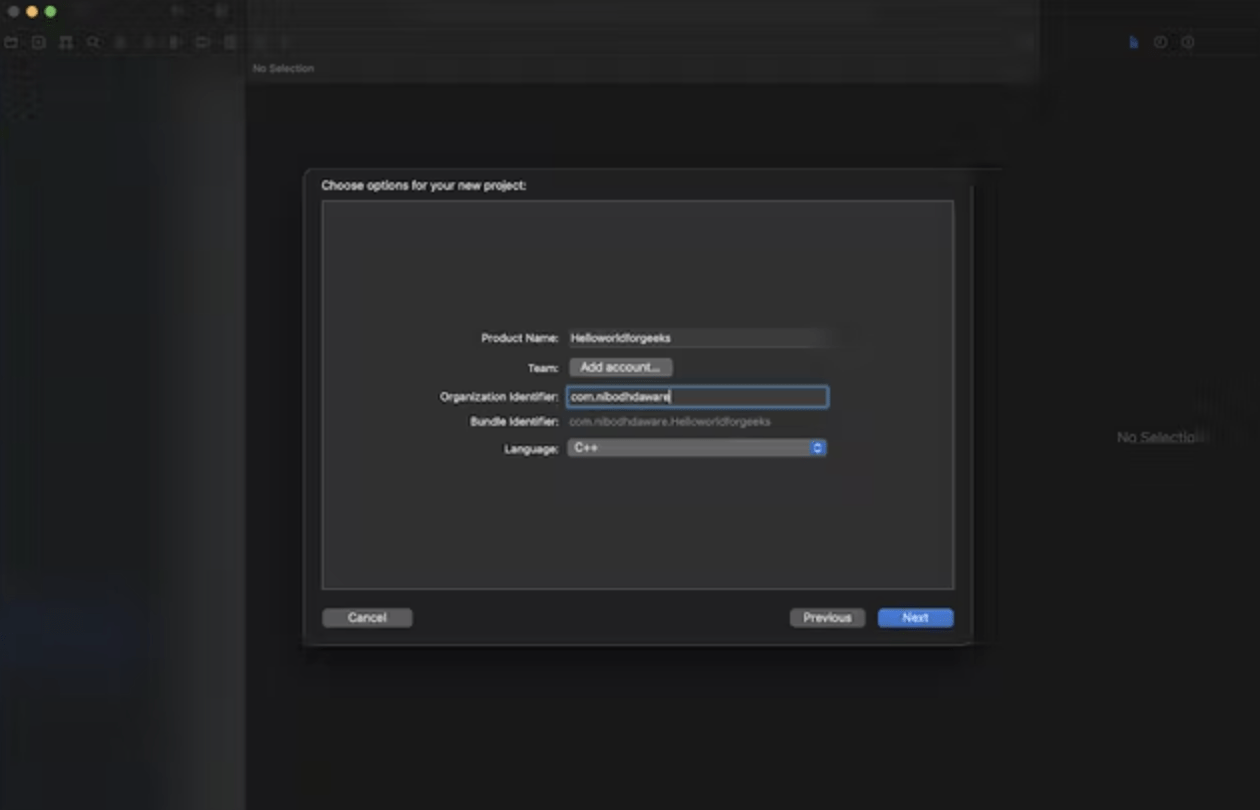
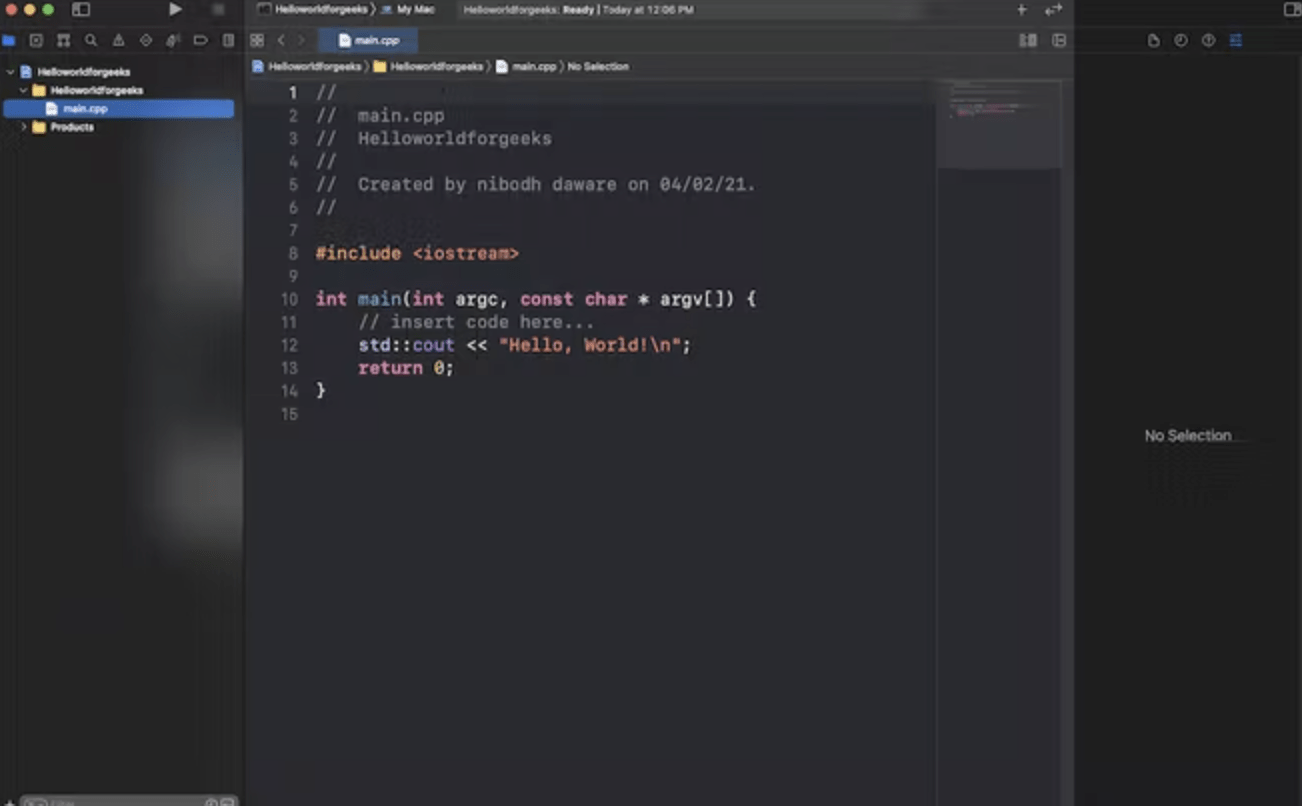
Mac OS X code Installation

There are so many environments available for C++. We are going to install jGrasp and Xcode in our mac operating system.

Instruction for installation of jGrasp and Xcode

  1. First, we must install jGrasp and Xcode on our computer.
  2. Then we have to execute jGrasp.
  3. Then we have to navigate to settings, then compiler setting and then workspace.
  4. Then, we change the programming language to C++.
  5. Then we choose "c++ (g++) - Mac OS X" or "g++ - general," then click Use and OK.

Check jGrasp installation

Now, we have to follow the below steps to test our jGrasp installation:

  1. First, we execute jGrasp.
  2. Then select the file menu, then new.
  3. Save the file with the extension of .CPP
  4. Then in the compiler section, click on build.
  5. After clicking on the build, go to the run section.
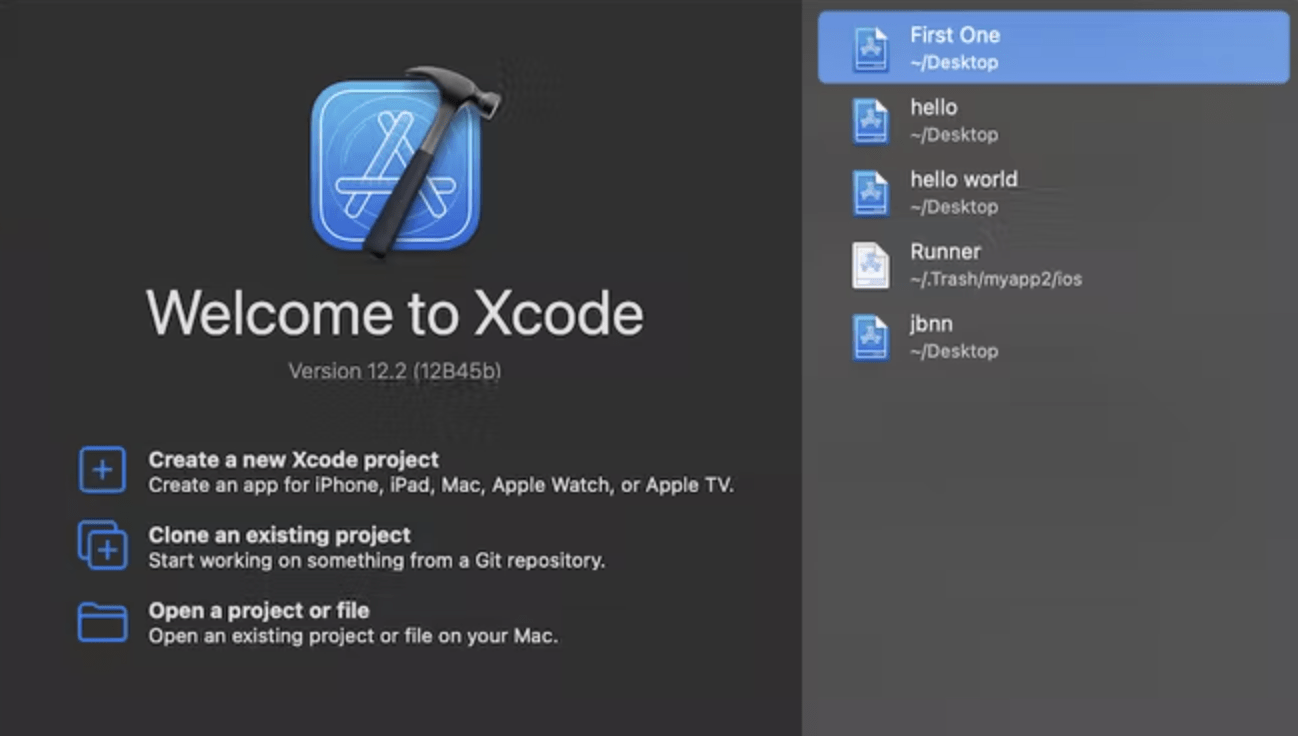
How to Setup Environment for C++ Programming on Mac

Debugger

Debugging is a valuable method for coding, which is used to find the error in the programmer's code that affects the program. It is possible by a tool which is called a debugging tool. Debugging tool is software which is used to test the other programs. 

The following are some of the most often used debuggers:

  • Allinea DDT
  • GDB- GNU Debugger.
  • LLDB
  • Debugger for Microsoft Visual Studio

Version Control

When we are working on a project, then we will do this project on our own separate laptops. It isn't easy to track the code that is available on a different laptop. But with the help of version control, it is possible to follow the code that is available on other laptops. Version control is used to track the code and manage the code. Developer can also compare their code with earlier versions with the help of version control. With the version control, it is also possible if the developer makes any mistake, then they can compare their code with the previous version and rectify their error. 

Conclusion

We need to create a local environment to run the C++ program. We also achieve these environments with other methods.


Related Topics

C++ Overloading

C++ Overloading is a condition when two or more members have the same name with different parameter type or a different number of parameter. C++ overloading is two types: Function...

1 minute read.

DES in C++

The popularity of the Data Encryption Standard (DES) is slightly declining as a result of the discovery that DES is susceptible to very strong attacks. Since DES is a block cypher,...

3 minutes read.

Implementing the sets without C++ STL containers

Many practical features and tools in C++ support us in programming competitions. One of these parts is a set from the Standard Template Library (STL), which offers an effective way...

6 minutes read.

C++ Forward Iterators

Iterators : Iterators serve as a link between algorithms and STL containers, allowing the data inside the container to be modified. They let you to iterate through the container, access and...

3 minutes read.

RTTI (Run-Time Type Information) in C++

In C++, RTTI or Run-Time Type Information reveals information about the data type of an object at runtime and only works with classes that have at least one virtual function....

3 minutes read.

C++ Global Variable

In C++, a global variable is a variable that is defined outside of any function or class and can be accessed by any function or class in the program. Global...

4 minutes read.

Stringstream in C++ and its applications

In this tutorial, we will explore what the stringstream in C++ is. We will also learn its application. What is stringstream? With the aid of a stringstream, user can read from a...

2 minutes read.

Palindrome using Do-while loop in C++

What is Palindrome? A palindrome is a word, number, phrase, or other sequence of letters that reads the same backward as forward, such as 101 or MOM. Like other programming languages, C++...

5 minutes read.

How to create a table in C++

C++ is a programming language that has evolved as an improvement of c language. It includes an object-oriented archetype. C++ programming language is a compiled language that complies with the...

3 minutes read.

goto statement in C and C++

goto statement in C and C++ The goto statement is a jump statement, also sometimes referred to as an unconditional jump statement. Within a function, the goto statement can be used...

3 minutes read.

Remove duplicates from sorted array in C++

Remove duplicates from the sorted array in C++. This same process, due to a sorted array, is to erase the redundant components from the array. Examples: Input  : arr[] = {2, 2, 2,...

4 minutes read.

Advantage and disadvantage friend function C++

Friend Function: - A friend function in C++ is a function that can access the private, protected, and public members of a class. In C++, a friend function is a function that...

2 minutes read.

C++ Ternary Operator

In this tutorial, we'll learn about the C++ ternary operator and how to utilise it to manage the program's flow using examples. Ternary Operator: The if-else statement and the conditional operator use...

3 minutes read.

C++ Virtual Destructor

In C++, a destructor is a class member function that is used to free up space or remove an object of the class that has gone out of scope. The...

4 minutes read.

Accumulate() and partial_sum() in C++ STL Numeric header

The C++ STL's numeric library includes the numeric header. This library provides efficient numeric arrays, support for random number generation, and fundamental mathematical operations and types. Several of the numeric...

3 minutes read.

C++ Features

C++ is a general-purpose programming language that evolved from the C language to include an object-oriented paradigm. It is a compiled and imperative language. Object-Oriented Programming Object-oriented programming language concepts: ClassObjectsEncapsulationPolymorphismInheritanceAbstraction Class: A Class...

4 minutes read.

Counting Frequencies of Array Elements in C++

We have an array of integer items with duplicate values, and our objective is to compute the frequencies of the different elements in the array. Methods: Methods that can be used to...

3 minutes read.

sort() function in C++

This tutorial covers the various built-in sort functions found in the C++ algorithm’s library.  What Does C++ Sort Mean? The concept of sorting in C++ entails rearranging an array's elements in a...

3 minutes read.

Abstract class in C++

In this article, you will get exposure to an abstract class in C++. We will discuss this topic using some practical examples too. To understand the abstract classes, you should...

6 minutes read.

C++ if-else

C++ if else Control Statement if else control statement in C++ is used to control the program flow in a two-way direction. When condition returns a true value, then the program executes if condition block otherwise...

1 minute read.