
×

HTML Code Tag

The code tag in HTML is a phrase tag used to insert a piece of computer programming code. In HTML there is a separate tag named as <code> tag. Sometimes, there is a place in webpages where you want to format the text in such a way that your website, which is related to coding or Information Technology field, then you can display code in your website. That’s why we use the code tag. When we need to show computer code on web pages, we use the code tag.

The code is displayed in the monospace font, a default browser font. Primarily we use code tag when we want to show a single line in the webpage. For showing multi-line, we prefer to use the <pre> tag.

HTML <code> tag supports the Global attributes, which can be used to any HTML element.

HTML <code> tag also supports the Event attributes on which the browser takes action.

Syntax of HTML Code Tag

<code>Computer code</code>

Examples of HTML Code Tag

Example 1: This example has only a single line of code.

<html>  
   <head>  
      <title>code</title>
      </head>  
      <body>  
         <p>This is a code.</p> 
            <code>var a=6; </code>
         </p>
      </body>  
</html>  

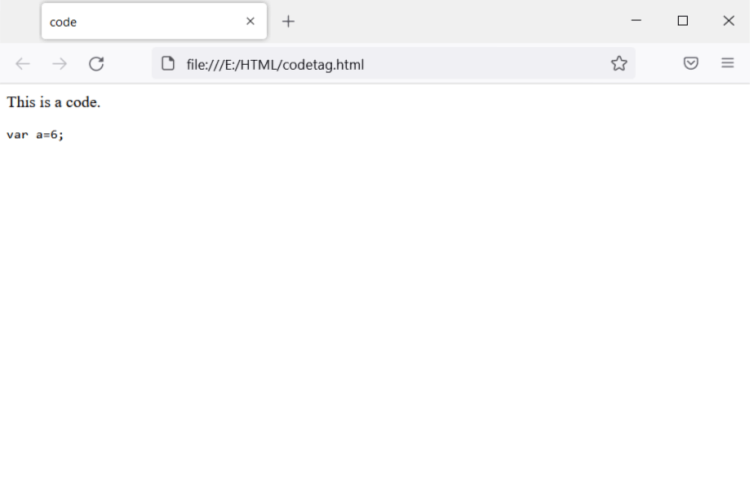
Output: You can see the code with the monospace font, as shown in the image below.
HTML Code Tag

Example 2: We have used multi-lines of Java programming code in this example.

<html>
   <head> 
      <title>code</title>
      </head> 
      <body> 
         <p>This is a Java Programming code.</p> 
            <code>import java.util.Scanner;
                public class AddTwoNumbers {
                
                    public static void main(String[] args) {
                        
                        int number1, number2, sum;
                        Scanner sc = new Scanner(System.in);
                        System.out.println("Enter First Number: ");
                        num1 = sc.nextInt();
                        
                        System.out.println("Enter Second Number: ");
                        num2 = sc.nextInt();
                        
                        sc.close();
                        sum = number1 + number2;
                        System.out.println("Sum of two numbers: "+sum);
                    }
                }
            </code>
         </p>
      </body>  
</html>  

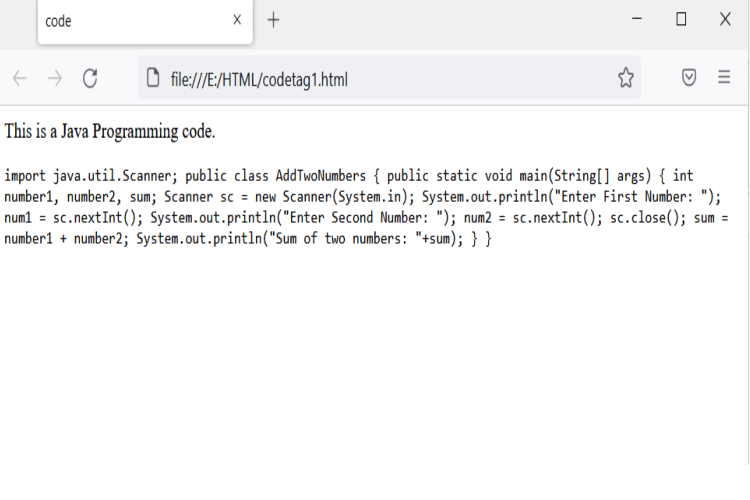
Output: Although it is a multi-line code, we can see that it displays in a single line because we are using code tags for single-line code display.
HTML Code Tag

Example 3: Use of <pre> tag.

<html>  
   <head>  
      <title>code</title>
      </head>  
      <body>  
         <p>This is a Java Programming Code.</p> 
            <pre>import java.util.Scanner;
                public class AddTwoNumbers {
                
                    public static void main(String[] args) {
                        
                        int number1, number2, sum;
                        Scanner sc = new Scanner(System.in);
                        System.out.println("Enter First Number: ");
                        num1 = sc.nextInt();
                        
                        System.out.println("Enter Second Number: ");
                        num2 = sc.nextInt();
                        
                        sc.close();
                        sum = number1 + number2;
                        System.out.println("Sum of two numbers: "+sum);
                    }
                }
            </pre>
         </p>
      </body>  
</html>  

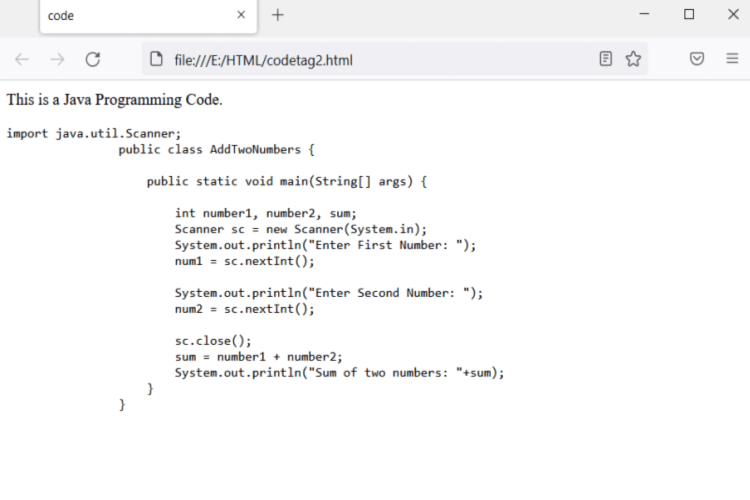
Output: You can see code displays in multi-lines because we have used the <pre> tag in this example.
HTML Code Tag

Example 4: We can also used CSS to highlight the code.

<!DOCTYPE html>
<html>
  <head>
    <title>Code</title>
    <style>
      .style {
        font-size: 20px;
        line-height: 28px;
        background-color: rgb(177, 228, 245);
        color: #f9e3e3;
      }
    </style>
  </head>
  <body>
    <p>This is a code.</p>
    <code class="style">The code goes here.</code>
    <p>Happy coding!</p>
  </body>
</html>

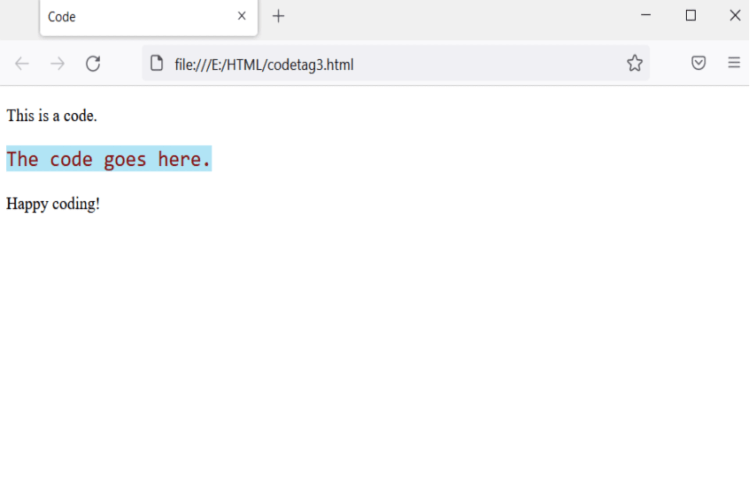
Output: As you can see in the given image, the code looks attractive with the use of CSS.
HTML Code Tag

Browser Supported

  1. Google Chrome
  2. Internet Explorer
  3. Microsoft Edge
  4. Mozilla Firefox
  5. Opera
  6. Safari

Related Topics

HTML 5 Tutorial

What is HTML5? HTML5 is a programming language which stands for the acronym Hyper Text Markup Language 5. It is program that enables the appearance of web pages to be changed, as well as changes...

5 minutes read.

HTML Code

Before jumping into the topic, let’s understand a common scenario where we have a code snippet in our HTML file. By code snippet, we mean computer code, which is written...

5 minutes read.

Html &lt;center> Tag

The term HTML refers to Hyper Text Markup Language. The most widely used markup language for making web pages is HTML. A structure of web page is described in HTML....

3 minutes read.

How to create a link with no underline in HTML

In HTML, an anchor tag (<a>) is a Styled Container tag, which means when a hyperlink is created using this, browsers, by default, display the link by applying some styles...

5 minutes read.

HTML City tag

HTML <City> tag HTML < cite > tag specifies a citation, a reference or title to a creative work, quoted content, books, websites, a research paper, a blog post, a painting,...

3 minutes read.

HTML <video> Tag

The Video tag in HTML is used to play video on a media player on the web page. We can also insert an audio by the video tag, but audio...

6 minutes read.

HTML Form Action

The <form> tag has an attribute named action that contains a URL. The HTML action attribute defines the webpage URL on which you want to send the data after submitting...

4 minutes read.

HTML References

BASIC HTML TAGS TAGS DESCRIPTION <!DOCTYPE> Defines Document Type <html> Defines Html document <head> Defines Header of document <title> Defines Title of document <body> Describe all the content of document <h1> to <h6> Defines Html Heading <p> Write Paragraph in this tag <br> Line break <!--...--> Comment in Html FORMATTING TAGS TAGS DESCRIPTION <abbr> Defines...

3 minutes read.

How to insert spaces/tabs in text using HTML/CSS

What is HTML? HTML or HyperText Markup Language is used to design web pages. It was released in 1993. The file extension name for HTML file is “.html”. An HTML file...

4 minutes read.

CSS Clearfix

CSS Clearfix: A clearfix (or clear float) in CSS is for a component to clear or fix the child component, so we don’t need to insert additional markup. The clear...

4 minutes read.

HTML <script> Tag

For embedding a client -side script, we use script tag in html tag. This <script> tag can be used for containing scripting statements. It can also point another external script file...

2 minutes read.

HTML Background Image

Inserting image in HTML An image (technically digital image) in HTML or even in general technical aspects, is a binary representation of visual information. By visual information we mean, in the...

8 minutes read.

Responsive HTML5 and CSS3 Tutorial

Introduction to HTML5 Tutorial HTML5 is the latest and upgraded version of HTML. HTML is a hypertext markup language. Technically, it is not a programming language. It is a markup language. HTML...

17 minutes read.

HTML <br> tag

HTML is referred to as Hyper Text Markup Language, which is the most popular language for creating Web pages. HTML explains the construction of a Web page. It contains a...

4 minutes read.

HTML5 Tags

HTML5 Tags A list of newly included tags is provided in HTML5. These HTML 5 tags (elements) provide a better structure for the document. This list shows description of all HTML...

3 minutes read.

How to change text color in HTML

Changing the text colour of a web page is essential because it enhances readability. There are several ways to change the colour of the text in HTML, which are as follows: Text...

7 minutes read.

HTML Date

The input element in HTML has several attributes. One of its attributes is the type attribute which creates a calendar in an order that a user can select a date...

5 minutes read.

HTML <select> tag

This tag helps in making the drop-down list on the web page. This is highly used in HTML forms for taking the input from user. You can use the id attribute...

3 minutes read.

HTML Links

It consist of anchor element which is used to create a link between a source anchor and destination anchor. The anchor tag can be embedded between text, image, video or...

2 minutes read.

HTML Code Tag

The code tag in HTML is a phrase tag used to insert a piece of computer programming code. In HTML there is a separate tag named as <code> tag. Sometimes,...

3 minutes read.