CSS Background
CSS Background
The properties of CSS background are applied to describe the effects of background on the element. Here are five properties of background that affects various elements of HTML:
- Background-color
- Background-image
- Background-repeat
- Background-attachment
- Background-position
Background-color
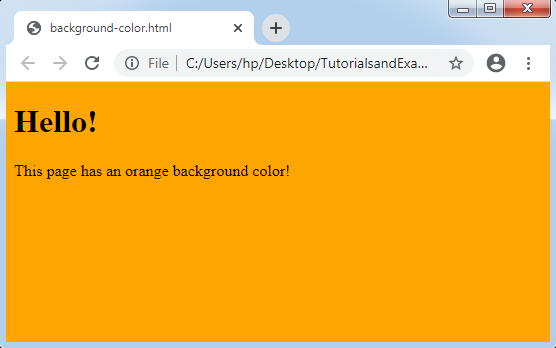
The color of the background element is specified by using this property. An example for setting background-color is given below:
Example:
<!DOCTYPE html>
  <html>
  <head>
 <style>   body {   background-color: orange;   }   </style>
 </head>
  <body>
 <h1> Hello! </h1>
 <p> This page has an orange background color!   </p>
 </body>
 </html>
Background-image
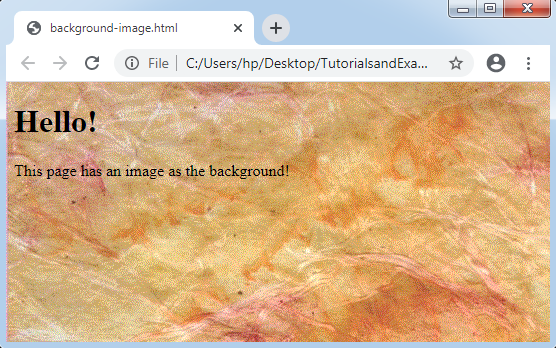
When we want to insert an image as the background of HTML element, we can use background-image property. The image will be repeated and will cover all the elements. An example of adding image in background is as follows:
Example:
 <!DOCTYPE html>
 <html>
 <head>
 <style>   body {   background-image: url("paper.gif");   }   </style>
 </head>
  <body>
  <h1> Hello! </h1>
 <p> This page has an image as the background!   </p>
 </body>
 </html>
Background-repeat
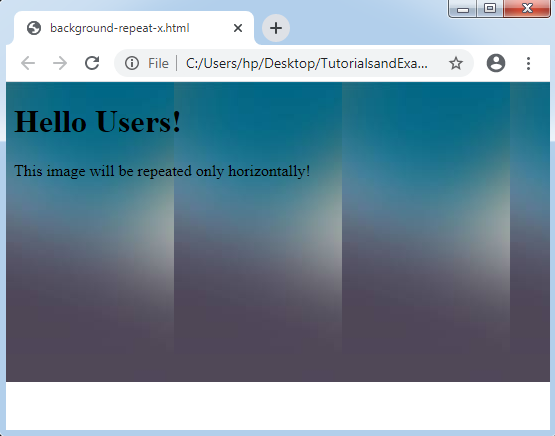
As discussed in the background-image property, background-image repeats the image vertically and horizontally. A few images in the background are repeated both vertically and horizontally. But, the background appears better when the image has horizontal repetition only.
Example: repeat-x;
<!DOCTYPE html>
 <html>
 <head>
 <style>   body {   background-image: url("gradient_bg1.png");   background-repeat: repeat-x;   }   </style>
 </head>
 <body>
 <h1> Hello Users! </h1>
 <p> This image will be repeated only   horizontally! </p>
</body>
</html>
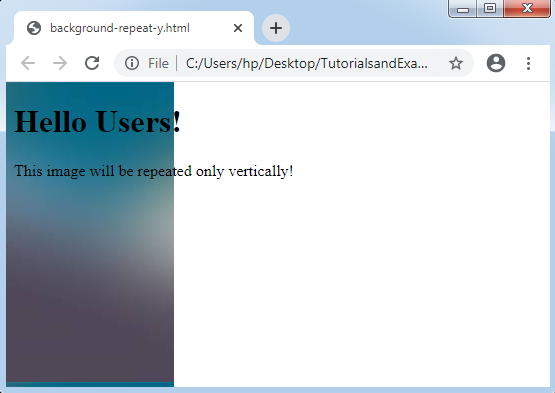
Example: repeat-y;
 <!DOCTYPE html>
  <html>
 <head>
<style>   body {   background-image: url("gradient_bg1.png");   background-repeat: repeat-y;   }   </style>
</head>
 <body>
 <h1> Hello Users! </h1>
 <p> This image will be repeated only vertically!   </p>
 </body>
 </html>
Background-attachment
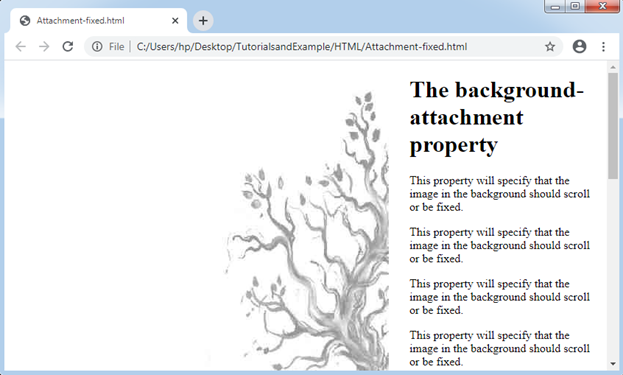
It is applied to define the background image, which is scroll or fixed with the page rest in the browser window. When we fixed the image in the background, the image can’t move at the time of scrolling inside the browser. The following example will clear this concept.
Example: fixed
 <!DOCTYPE html>
<html>
 <head>
  <style>   body {   background-image: url("tree.png");   background-repeat: no-repeat;   background-attachment: fixed;   margin-left: 550px;   }   </style>
 </head>
 <body>
 <h1> The background-attachment property   </h1>
<p> This property will specify that the image in   the background should scroll or be fixed. </p>
  <p> This property will specify that the image in   the background should scroll or be fixed. </p>
 <p> This property will specify that the image in   the background should scroll or be fixed. </p>
 <p> This property will specify that the image in   the background should scroll or be fixed. </p>
  <p> This property will specify that the image in   the background should scroll or be fixed. </p>
<p> This property will specify that the image in   the background should scroll or be fixed. </p>
<p> This property will specify that the image in   the background should scroll or be fixed. </p>
  <p> This property will specify that the image in   the background should scroll or be fixed. </p>
  <p> This property will specify that the image in   the background should scroll or be fixed. </p>
  <p> This property will specify that the image in   the background should scroll or be fixed. </p>
  <p> This property will specify that the image in   the background should scroll or be fixed. </p>
  <p> This property will specify that the image in   the background should scroll or be fixed. </p>
 <p> This property will specify that the image in   the background should scroll or be fixed. </p>
 <p> This property will specify that the image in   the background should scroll or be fixed. </p>
 </body>
 </html>
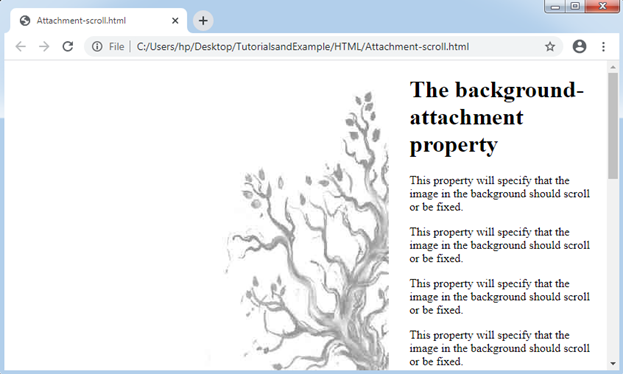
Example: scroll
<!DOCTYPE html>
 <html>
 <head>
 <style>   body {   background-image: url("tree.png");   background-repeat: no-repeat;   background-attachment: scroll;   margin-left: 550px;   }   </style>
 </head>
 <body>   <h1> The background-attachment property   </h1>
 <p> This property will specify that the image in   the background should scroll or be fixed. </p>
<p> This property will specify that the image in   the background should scroll or be fixed. </p>
<p> This property will specify that the image in   the background should scroll or be fixed. </p>
<p> This property will specify that the image in   the background should scroll or be fixed. </p>
 <p> This property will specify that the image in   the background should scroll or be fixed. </p>
<p> This property will specify that the image in   the background should scroll or be fixed. </p>
 <p> This property will specify that the image in   the background should scroll or be fixed. </p>
 <p> This property will specify that the image in   the background should scroll or be fixed. </p>
 <p> This property will specify that the image in   the background should scroll or be fixed. </p>
  <p> This property will specify that the image in   the background should scroll or be fixed. </p>
 <p> This property will specify that the image in   the background should scroll or be fixed. </p>
 <p> This property will specify that the image in   the background should scroll or be fixed. </p>
  <p> This property will specify that the image in   the background should scroll or be fixed. </p>
  <p> This property will specify that the image in   the background should scroll or be fixed. </p>
  </body>
  </html>
Background-position
This property of CSS is applied to describe the basic position of an image in the background. A background picture is positioned on the top-left side of the webpage. We can arrange some positions by using the above property as follows:
- top
- bottom
- center
- left
- right
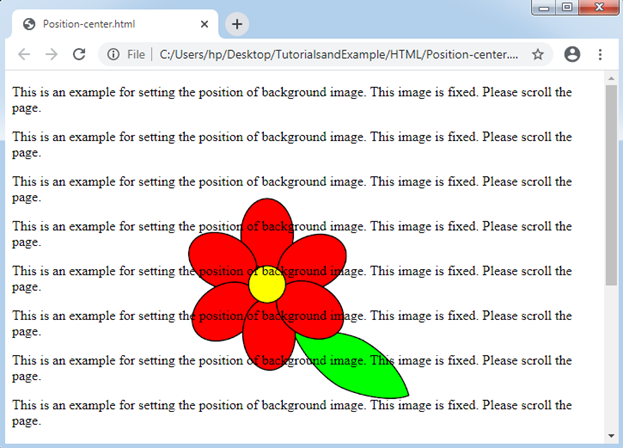
Example: center
    <!DOCTYPE html>
 <html>
 <head>
 <style>   body {   background-image: url("flower.gif");   background-repeat: no-repeat;   background-attachment: fixed;   background-position: top;   }   </style>
 </head>
  <body>
  <p> This is an example for setting the position   of background image. This image is fixed. Please scroll the page. </p>
 <p> This is an example for setting the position   of background image. This image is fixed. Please scroll the page. </p>
  <p> This is an example for setting the position   of background image. This image is fixed. Please scroll the page. </p>
  <p> This is an example for setting the position   of background image. This image is fixed. Please scroll the page. </p>
 <p> This is an example for setting the position   of background image. This image is fixed. Please scroll the page. </p>
  <p> This is an example for setting the position   of background image. This image is fixed. Please scroll the page. </p>
 <p> This is an example for setting the position   of background image. This image is fixed. Please scroll the page. </p>
  <p> This is an example for setting the position   of background image. This image is fixed. Please scroll the page. </p>
 <p> This is an example for setting the position   of background image. This image is fixed. Please scroll the page. </p>
 <p> This is an example for setting the position   of background image. This image is fixed. Please scroll the page. </p>
 <p> This is an example for setting the position   of background image. This image is fixed. Please scroll the page. </p>
  <p> This is an example for setting the position   of background image. This image is fixed. Please scroll the page. </p>
 <p> This is an example for setting the position   of background image. This image is fixed. Please scroll the page. </p>
 <p> This is an example for setting the position   of background image. This image is fixed. Please scroll the page. </p>
</body>
</html>